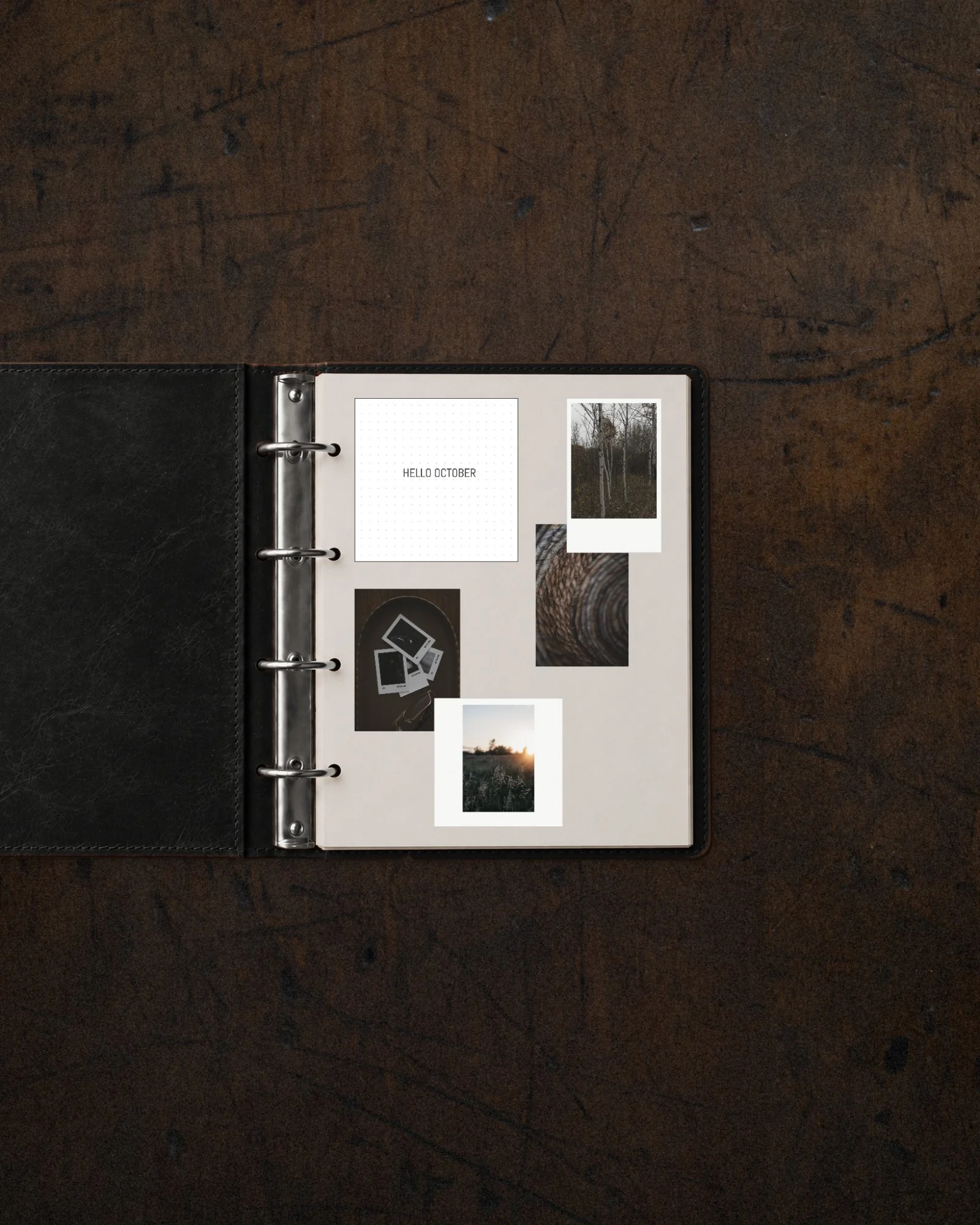
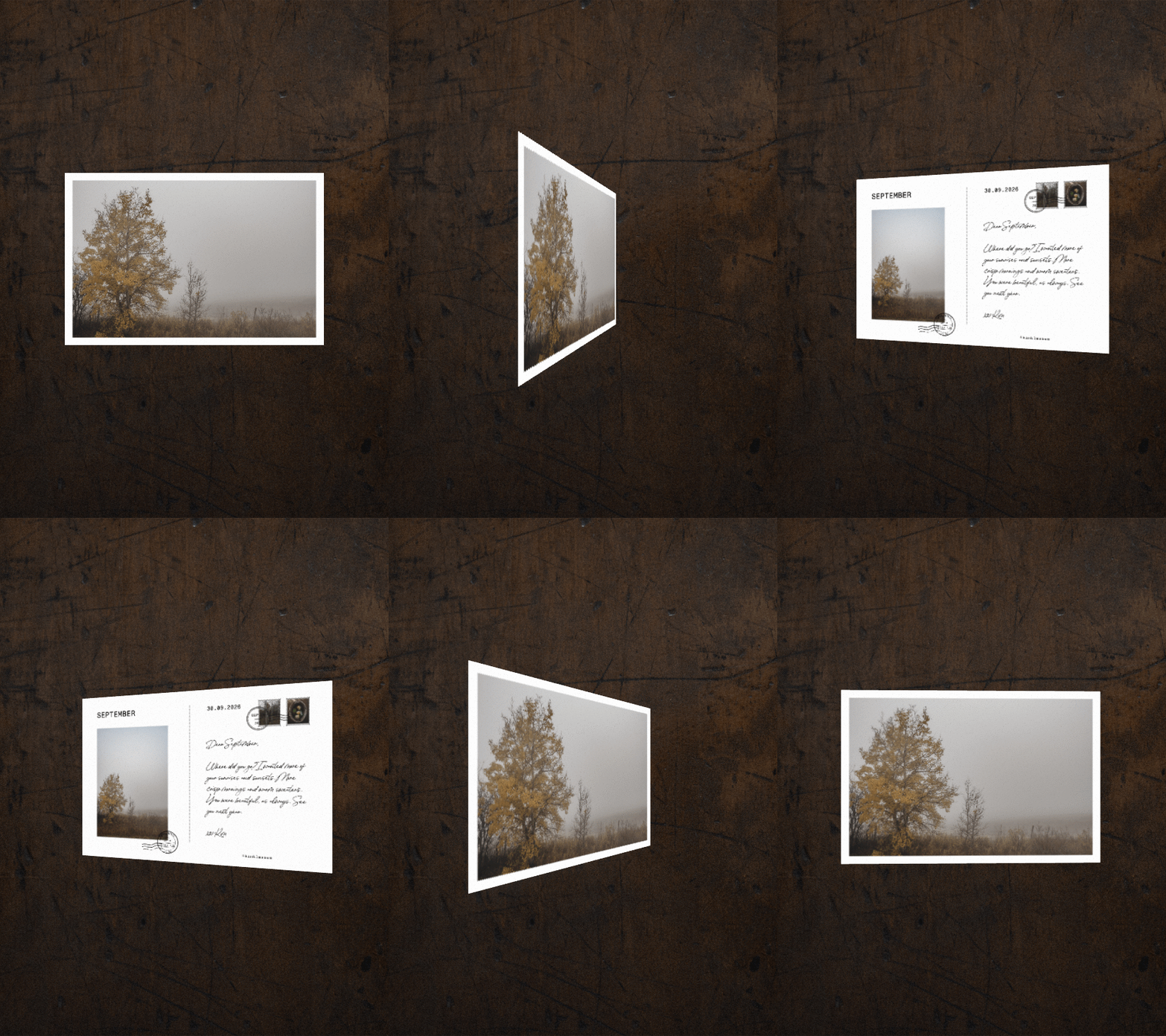
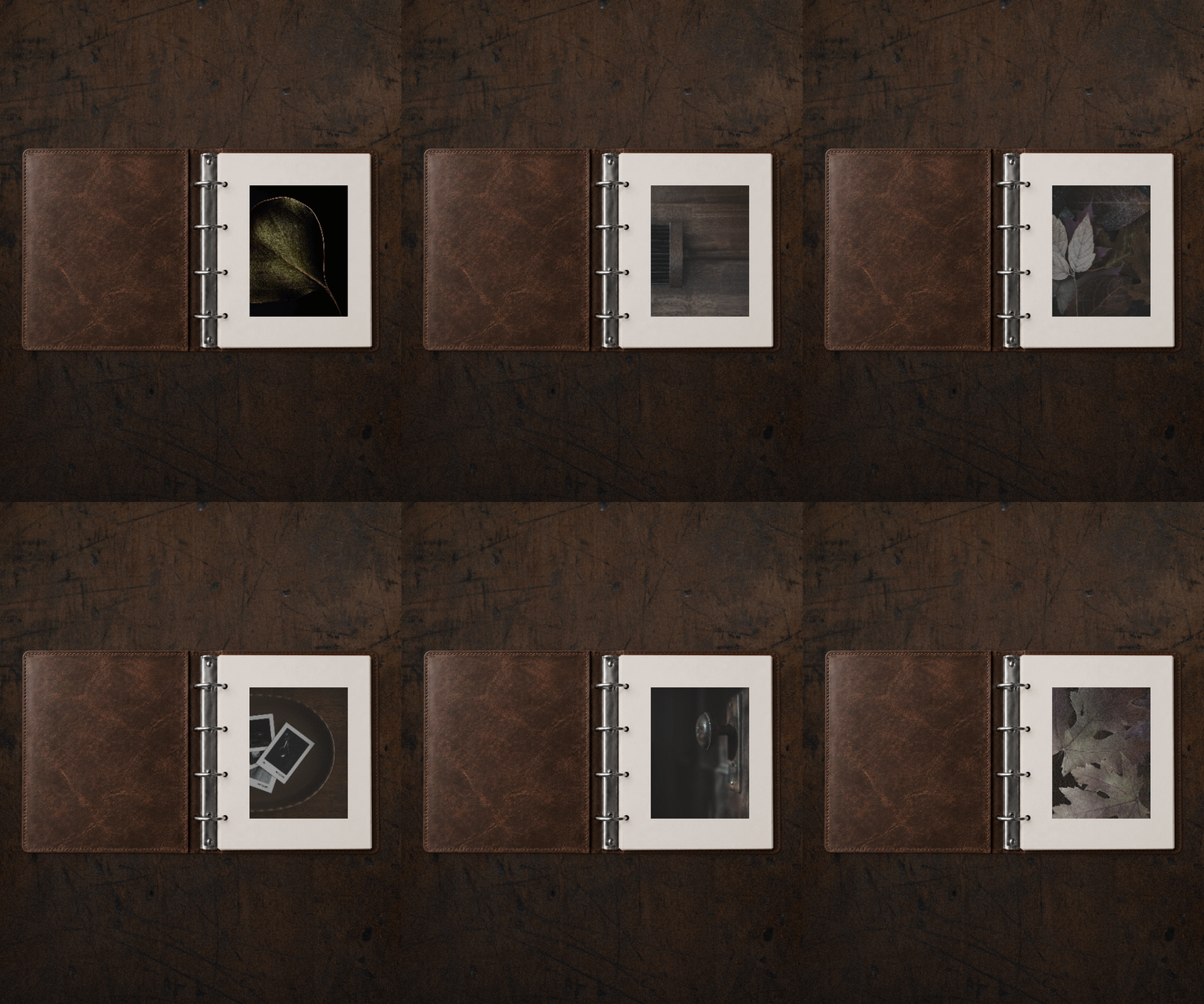
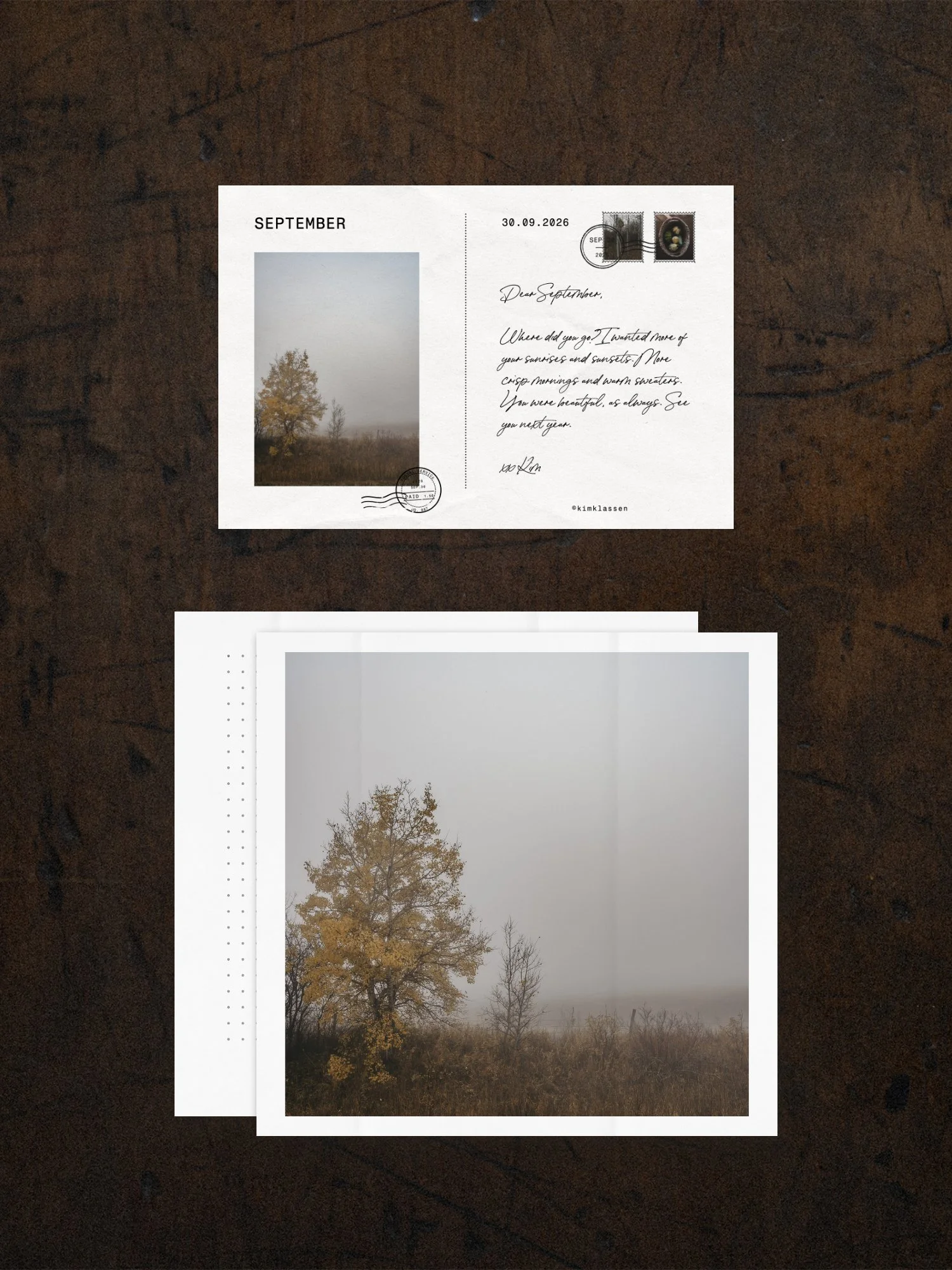
For the thoughtful creator who finds all the tech a little (maybe a lot) overwhelming.
Let’s make sharing your work simple, authentic, and beautifully YOU.
White Space Studio helps people take back their creative attention.
Away from endless input and back to their own photographs, words and ideas.
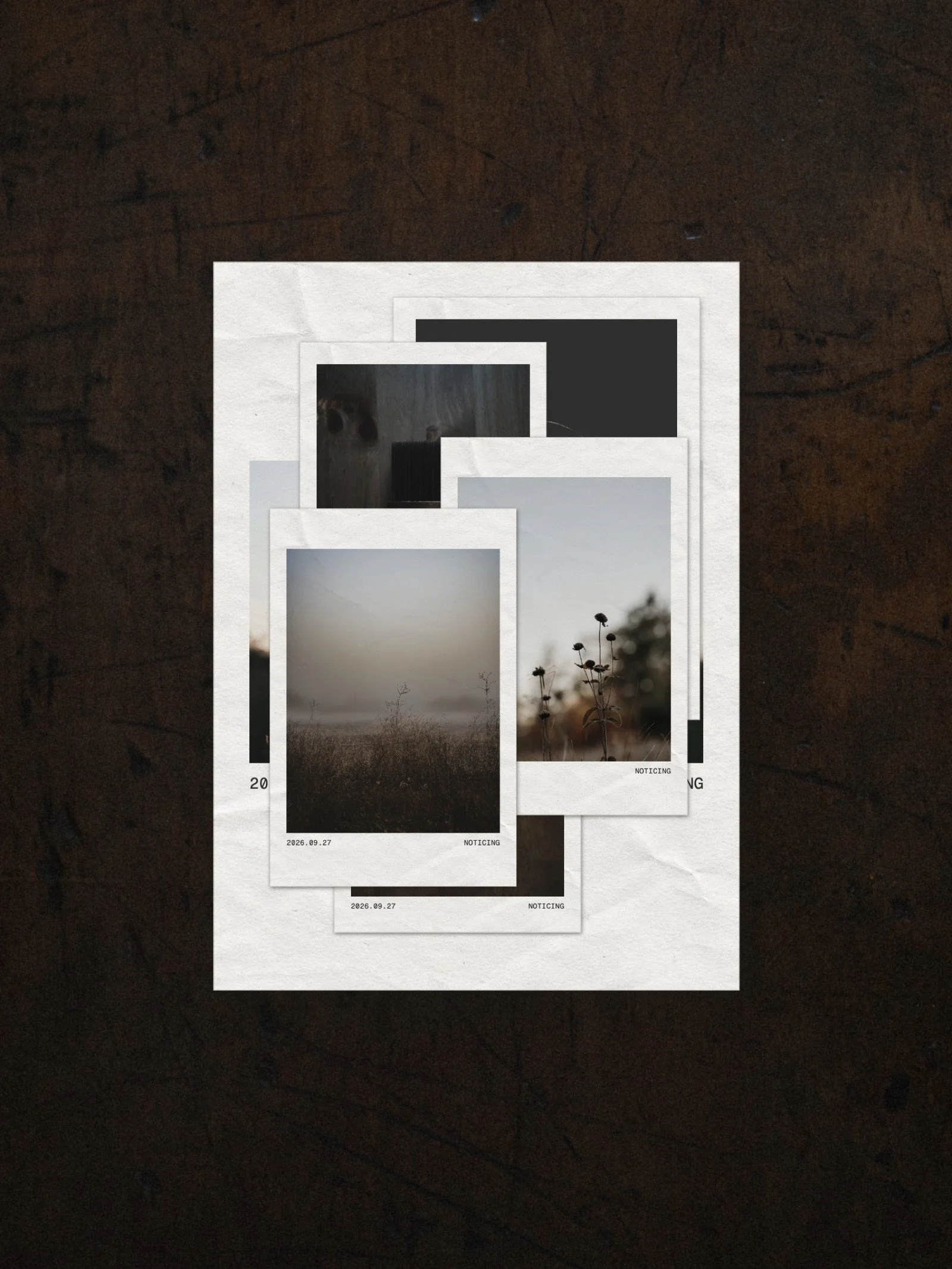
What if your photographs could keep becoming?
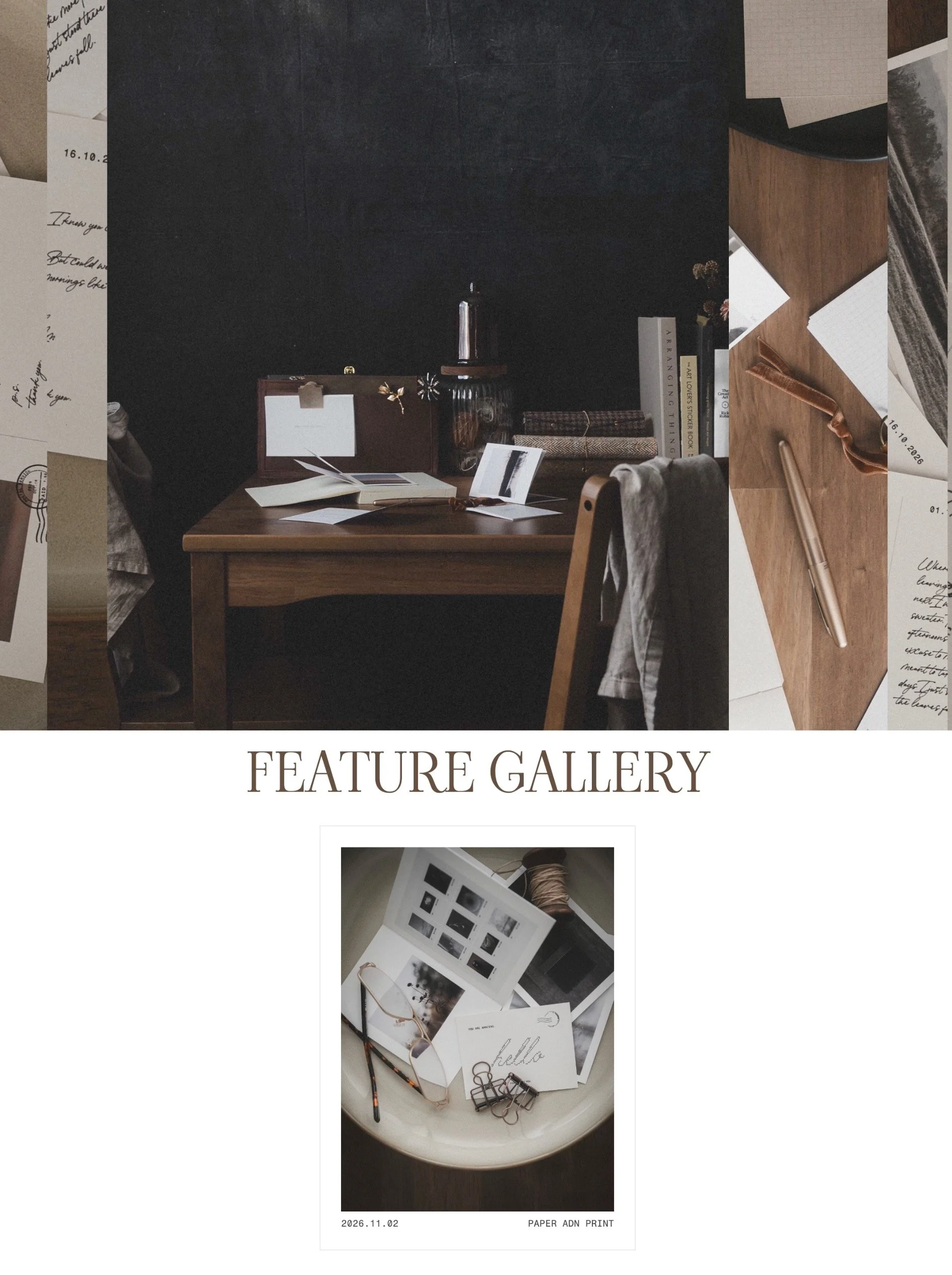
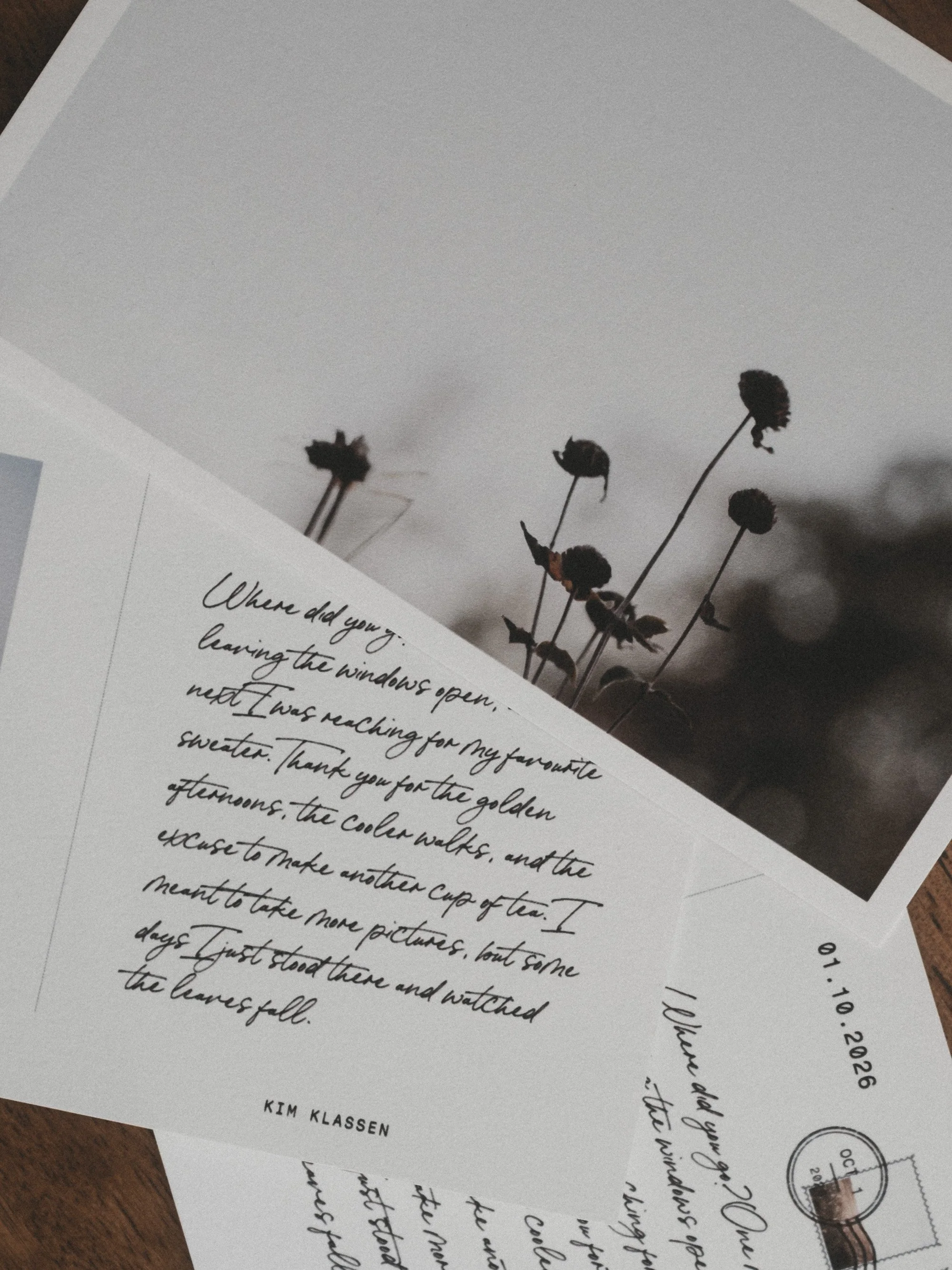
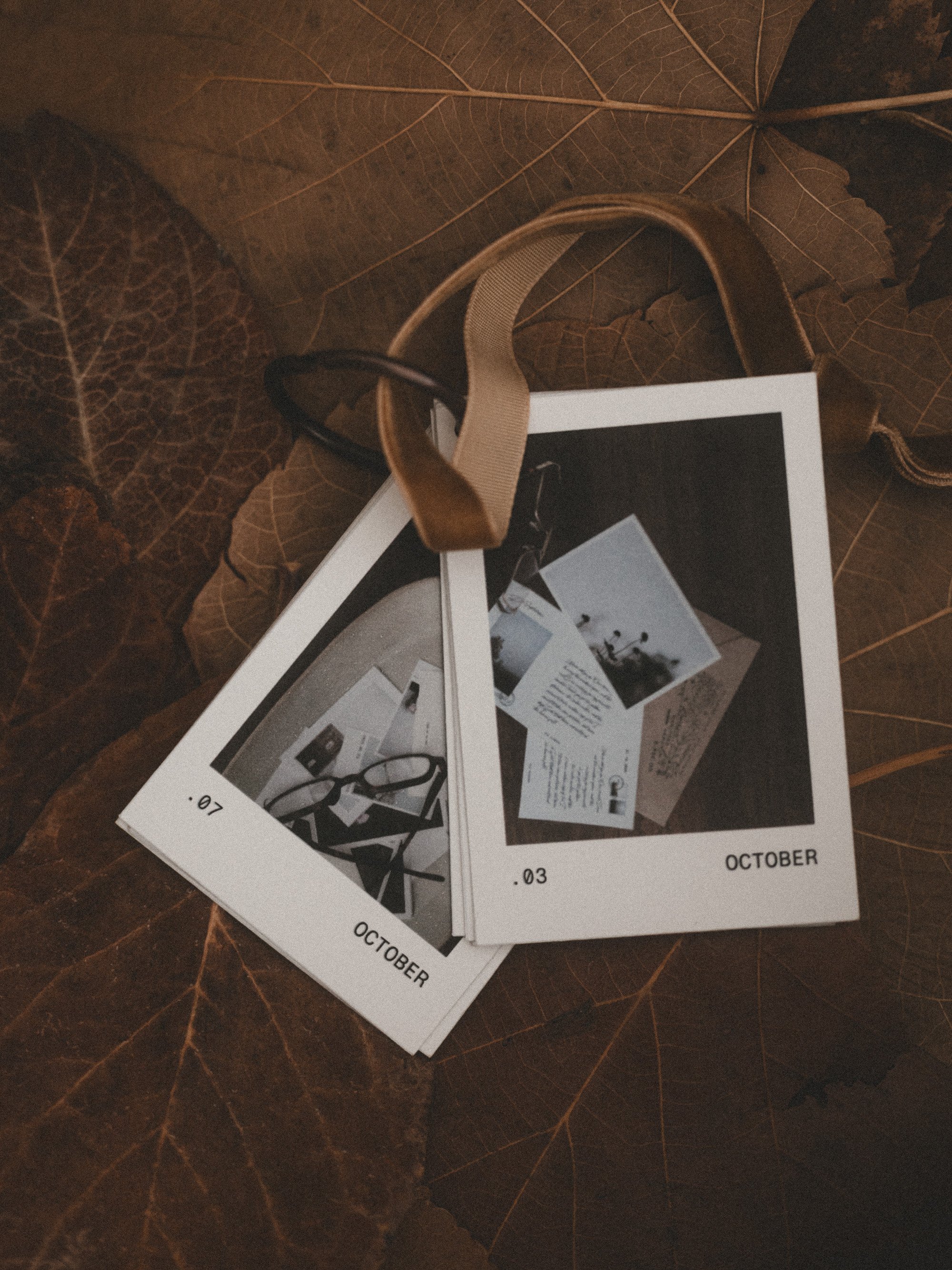
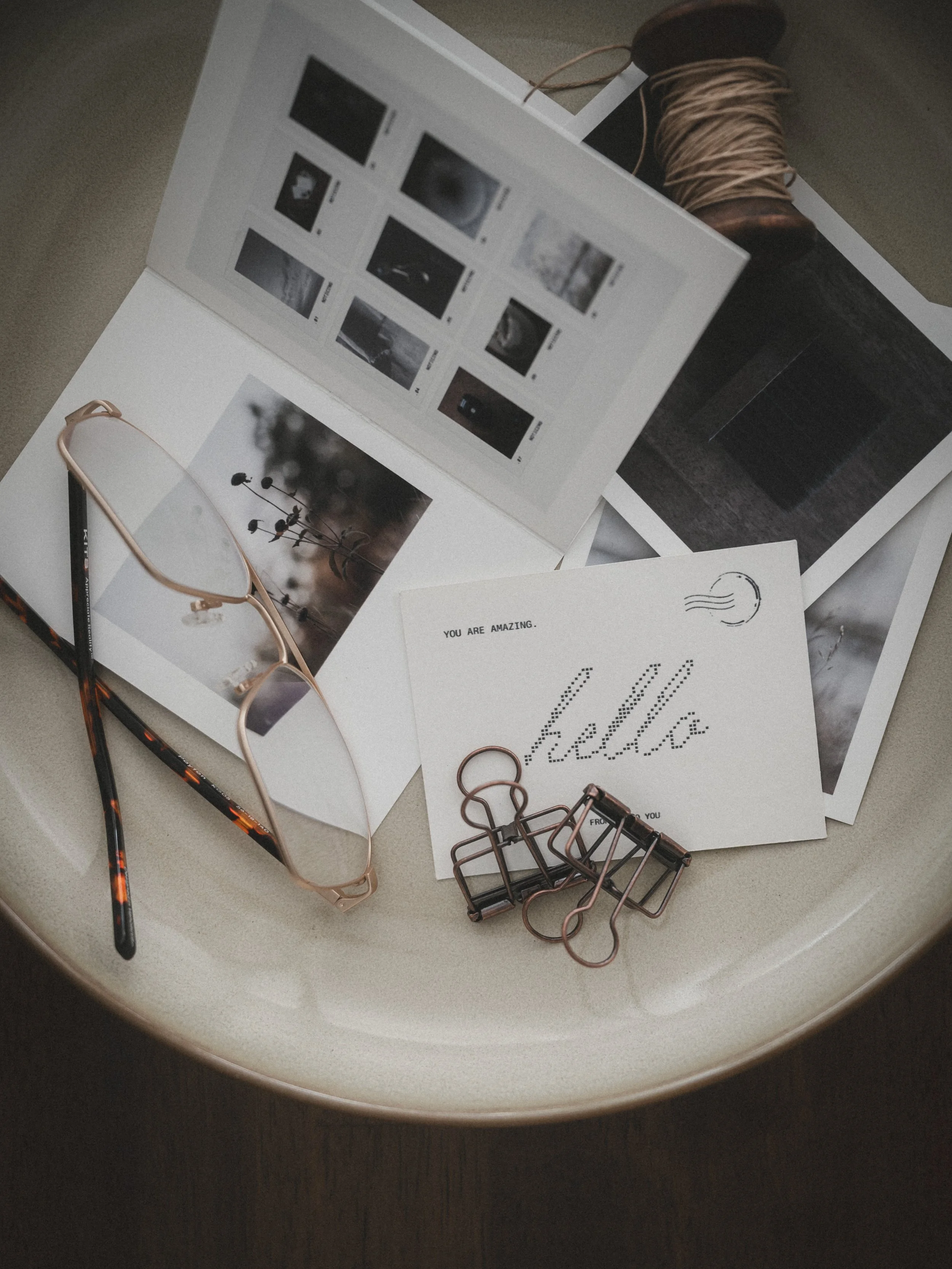
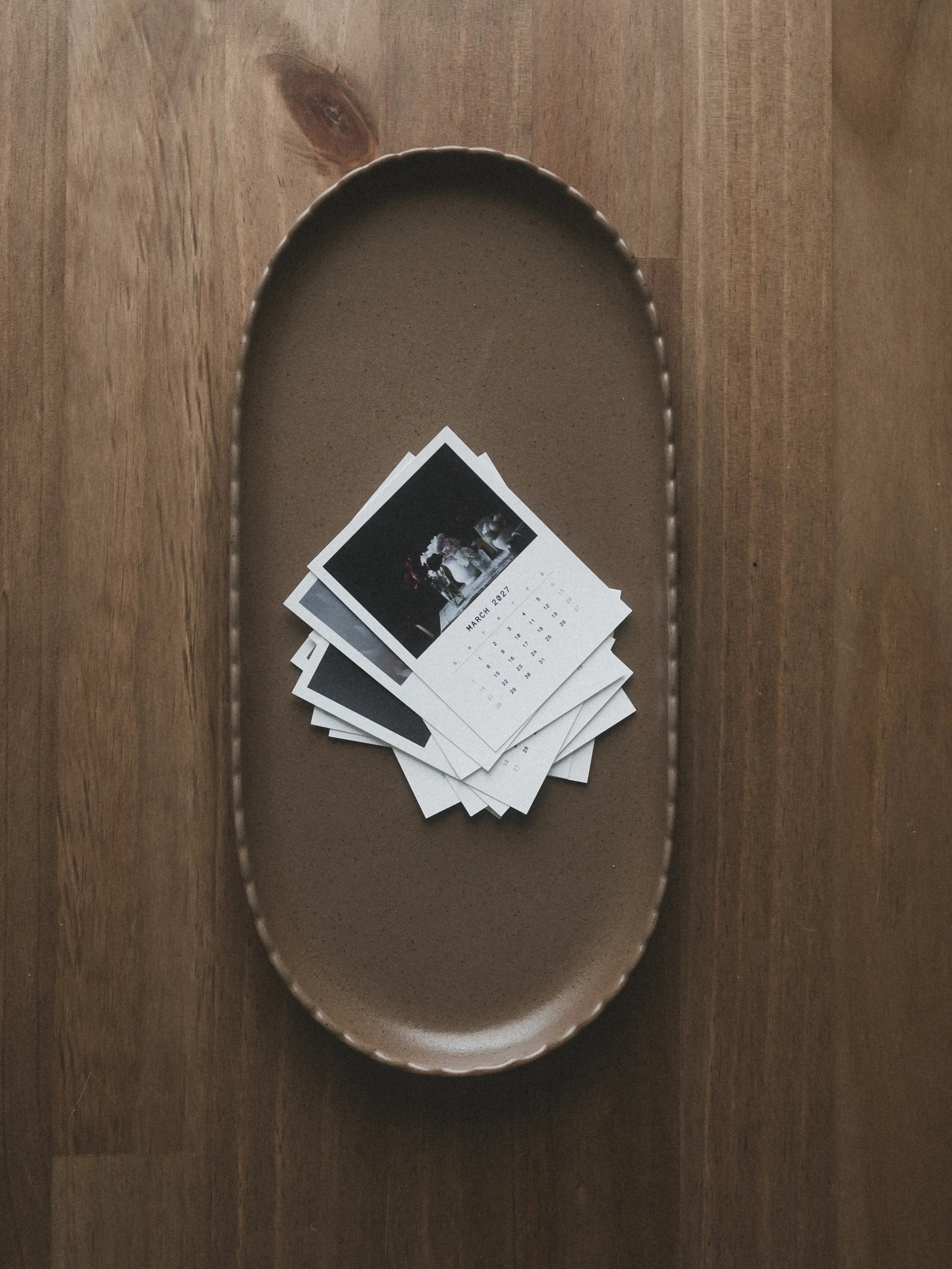
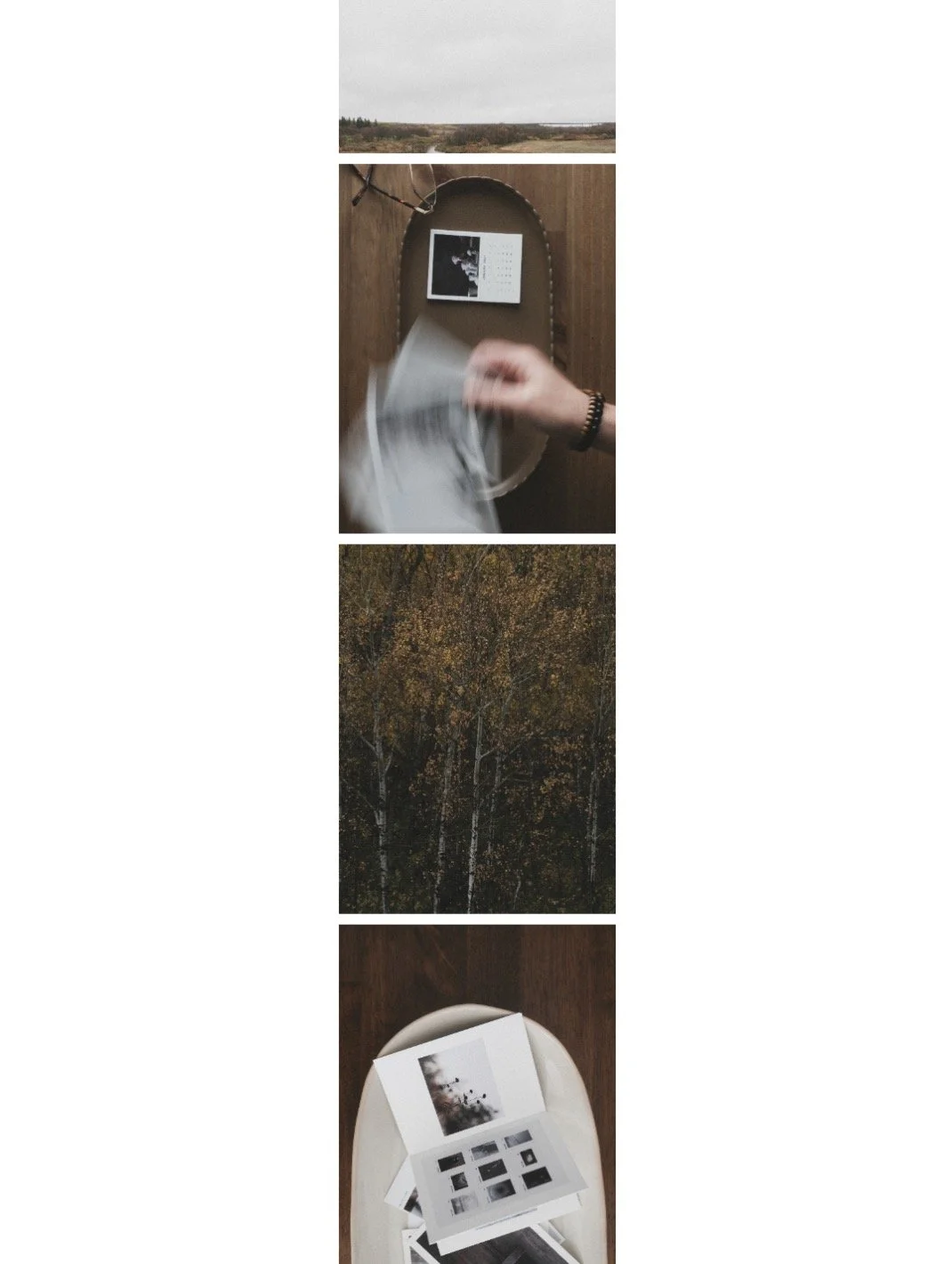
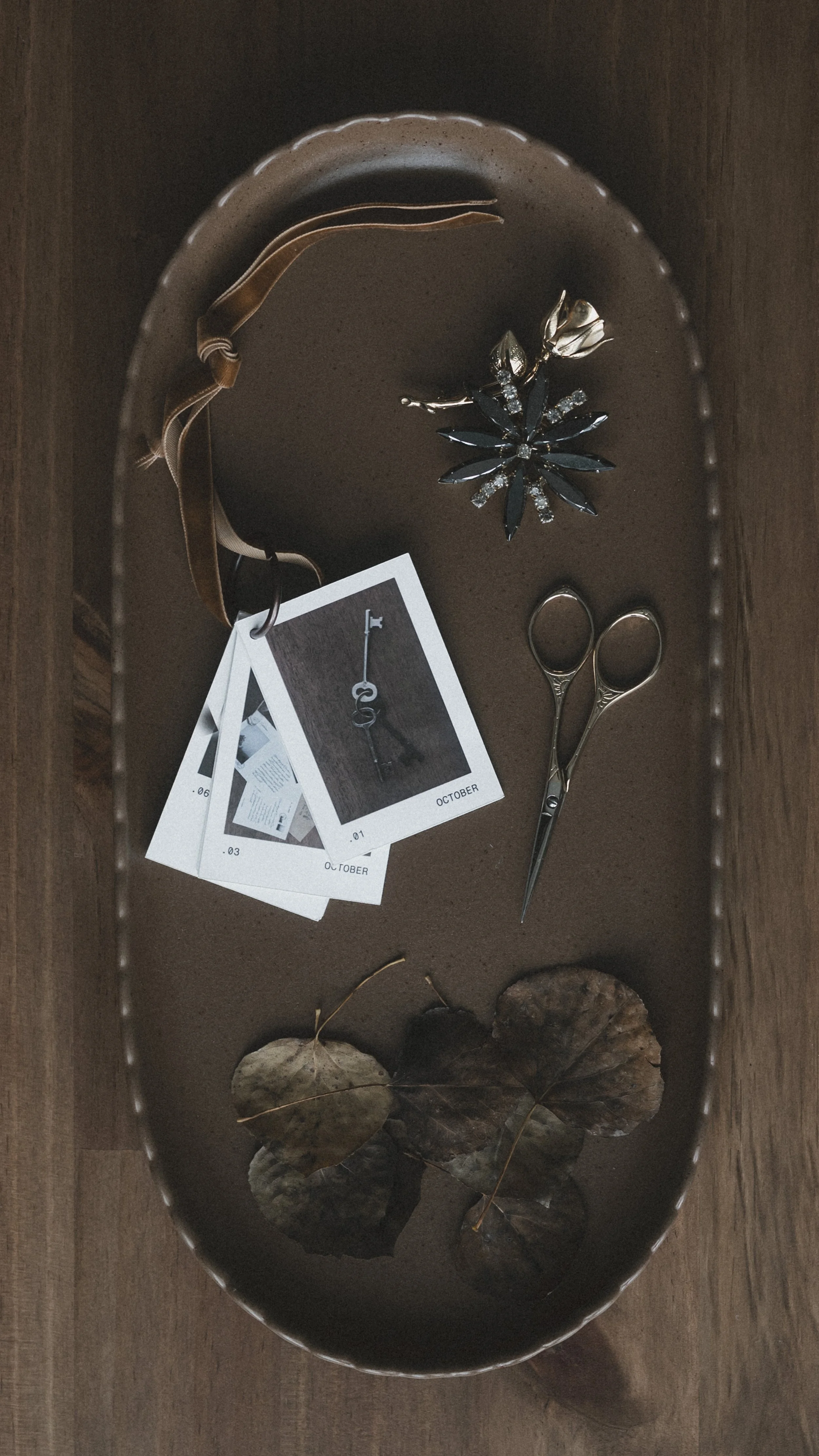
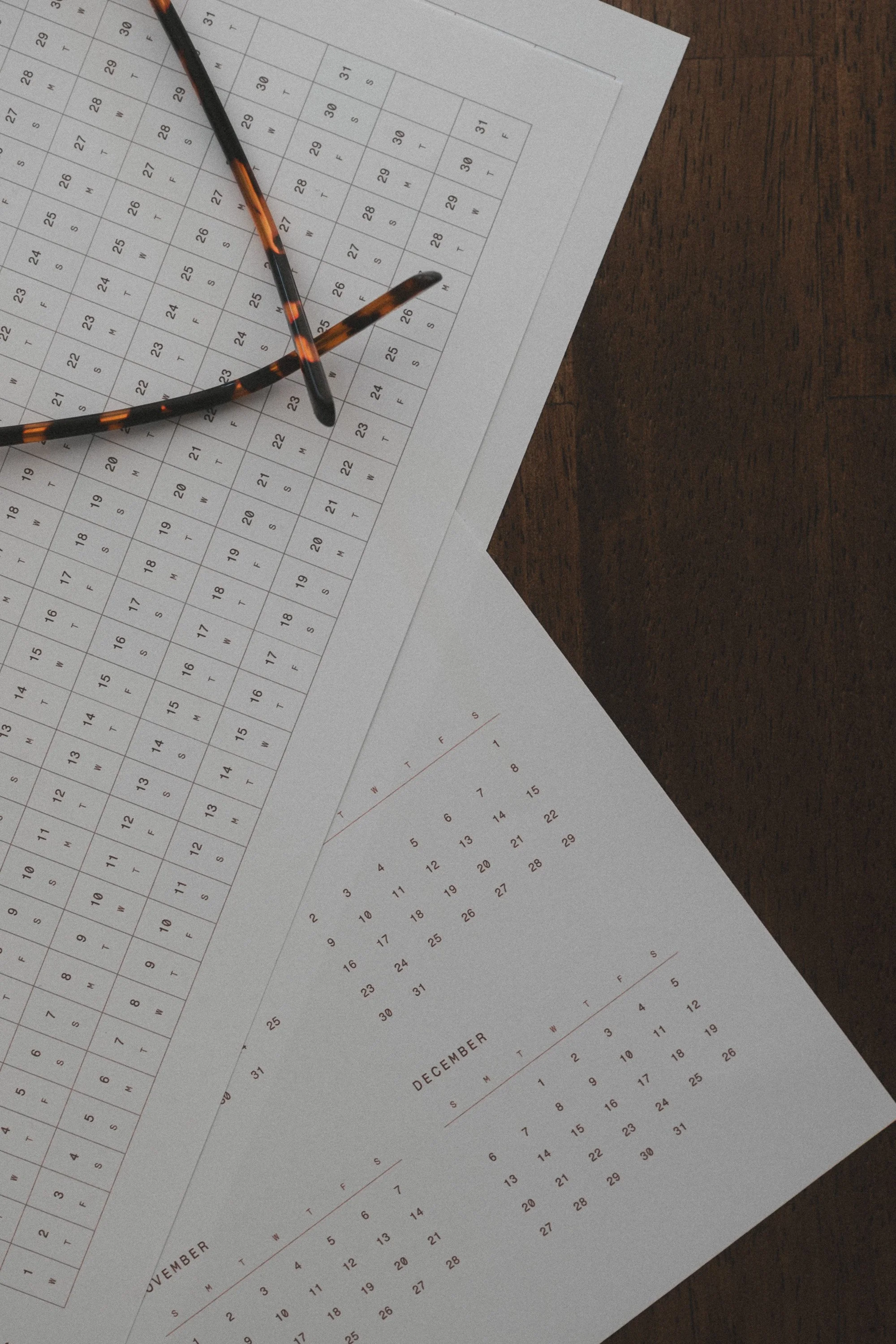
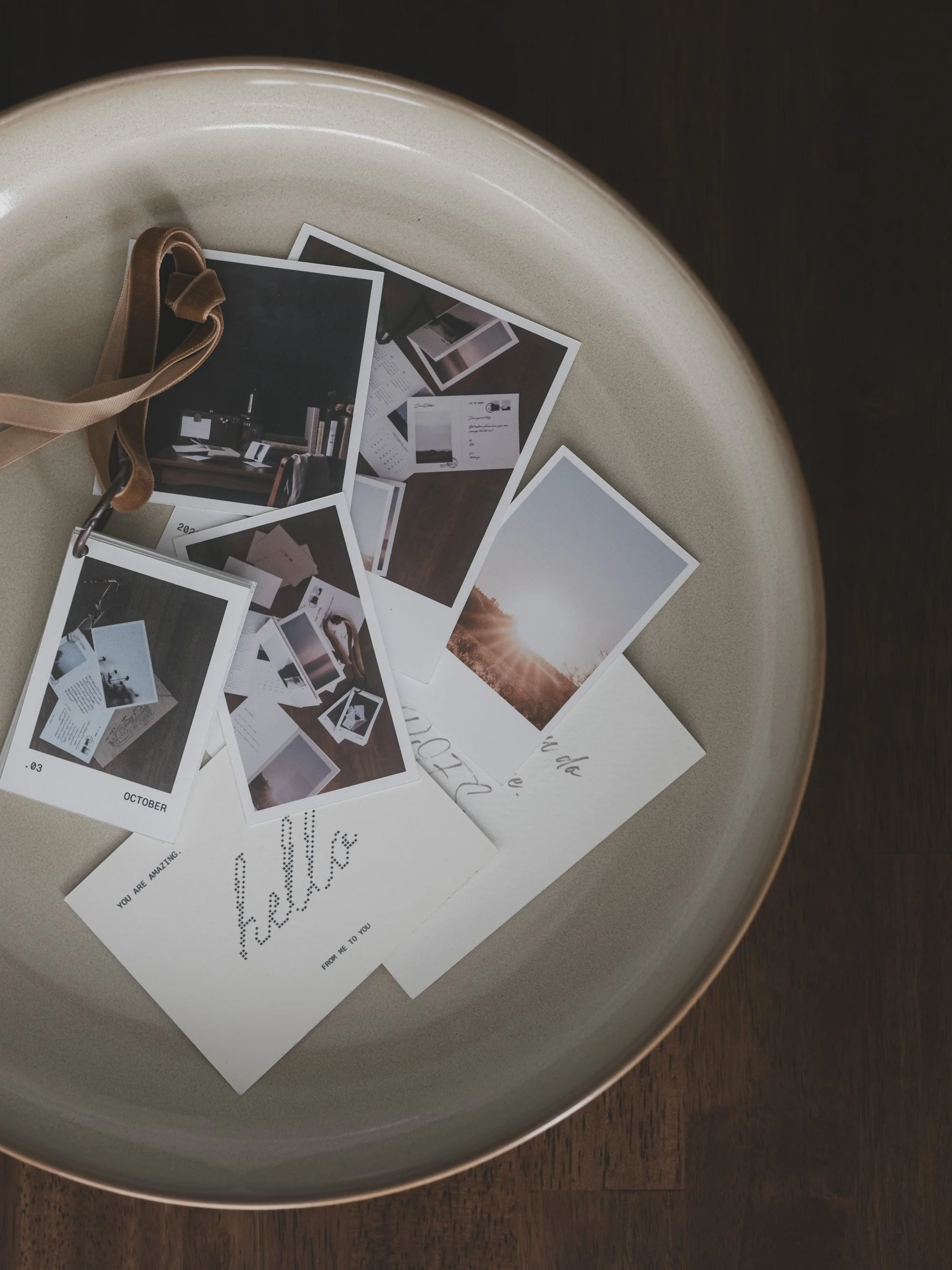
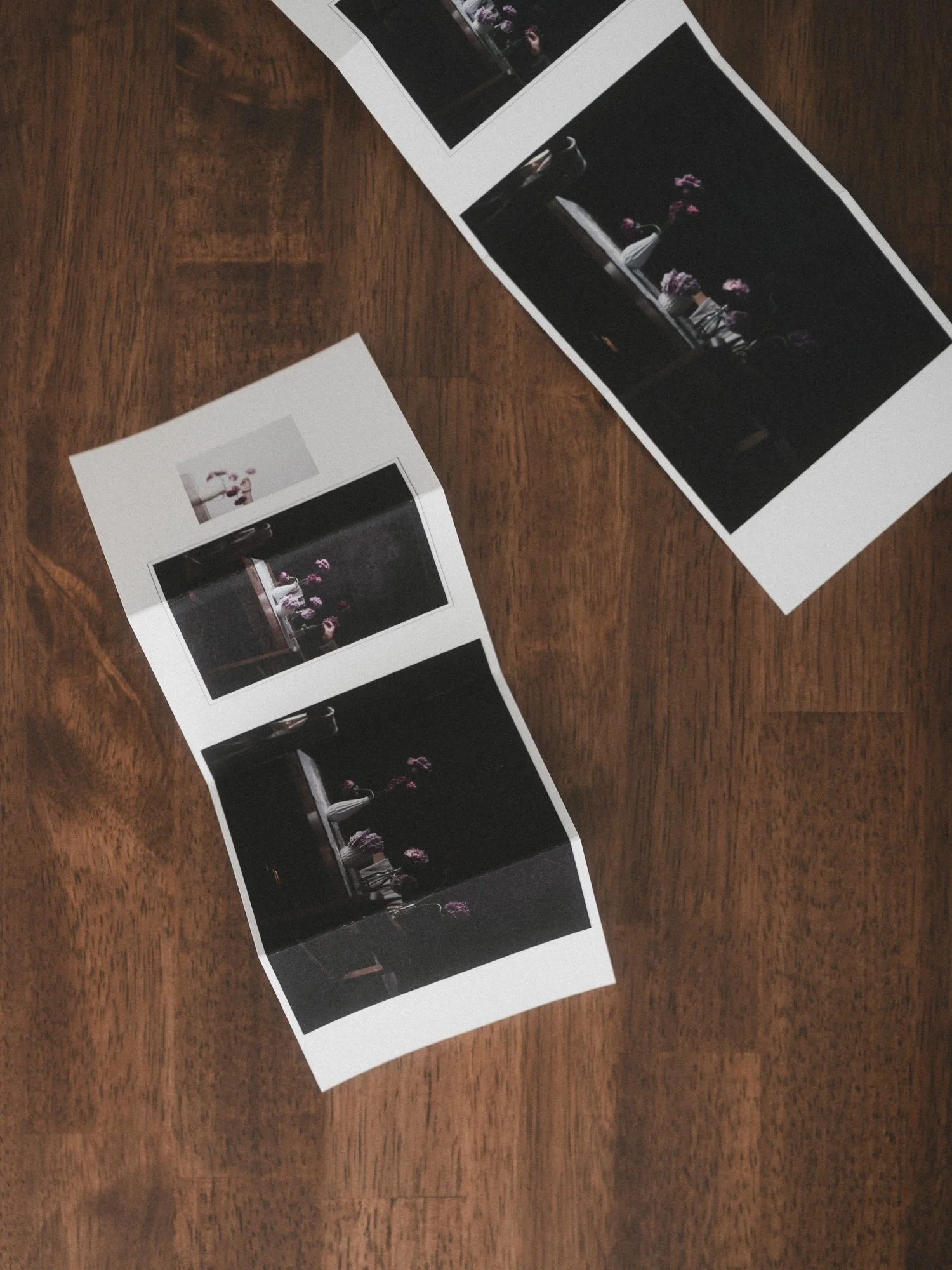
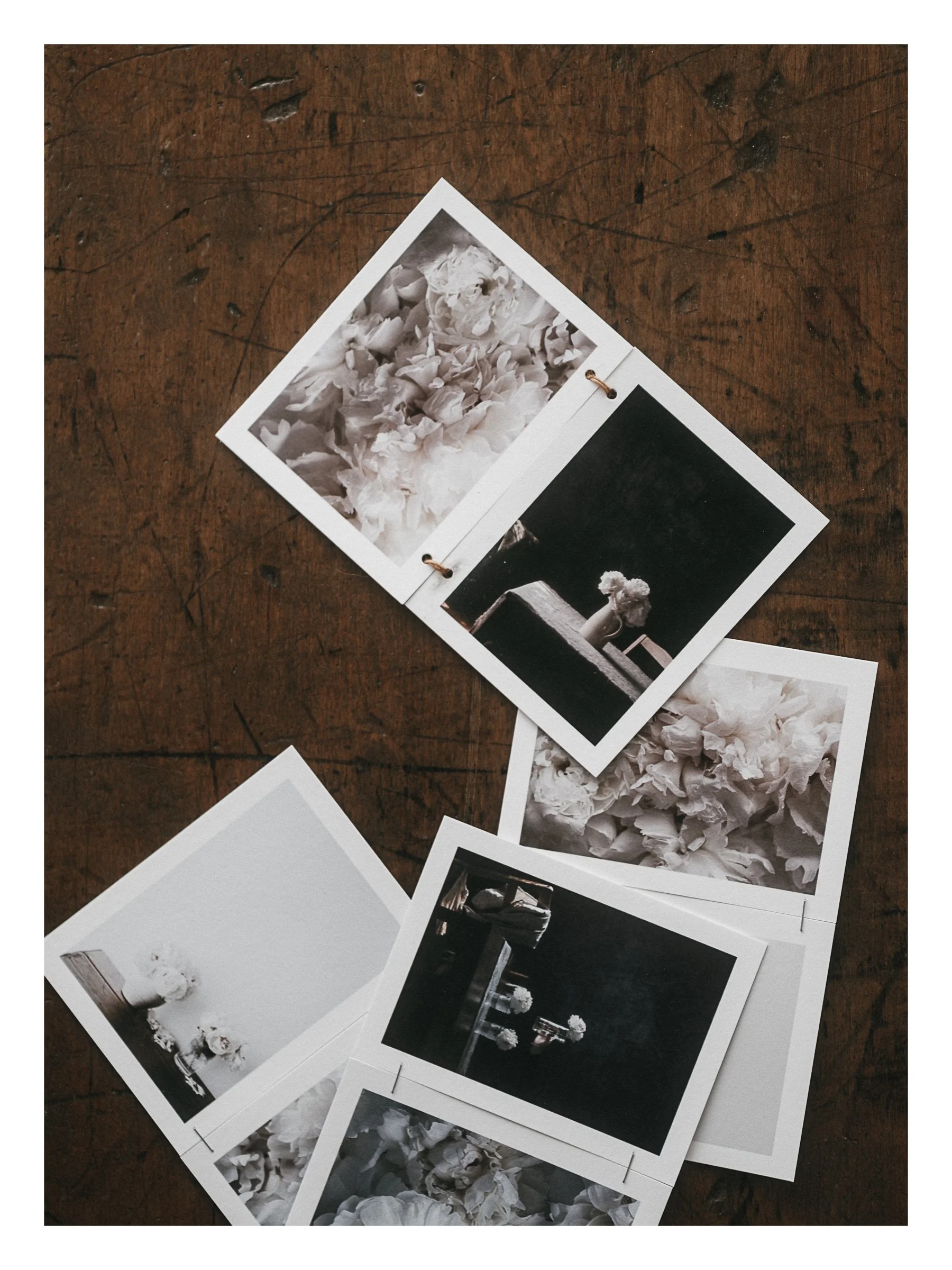
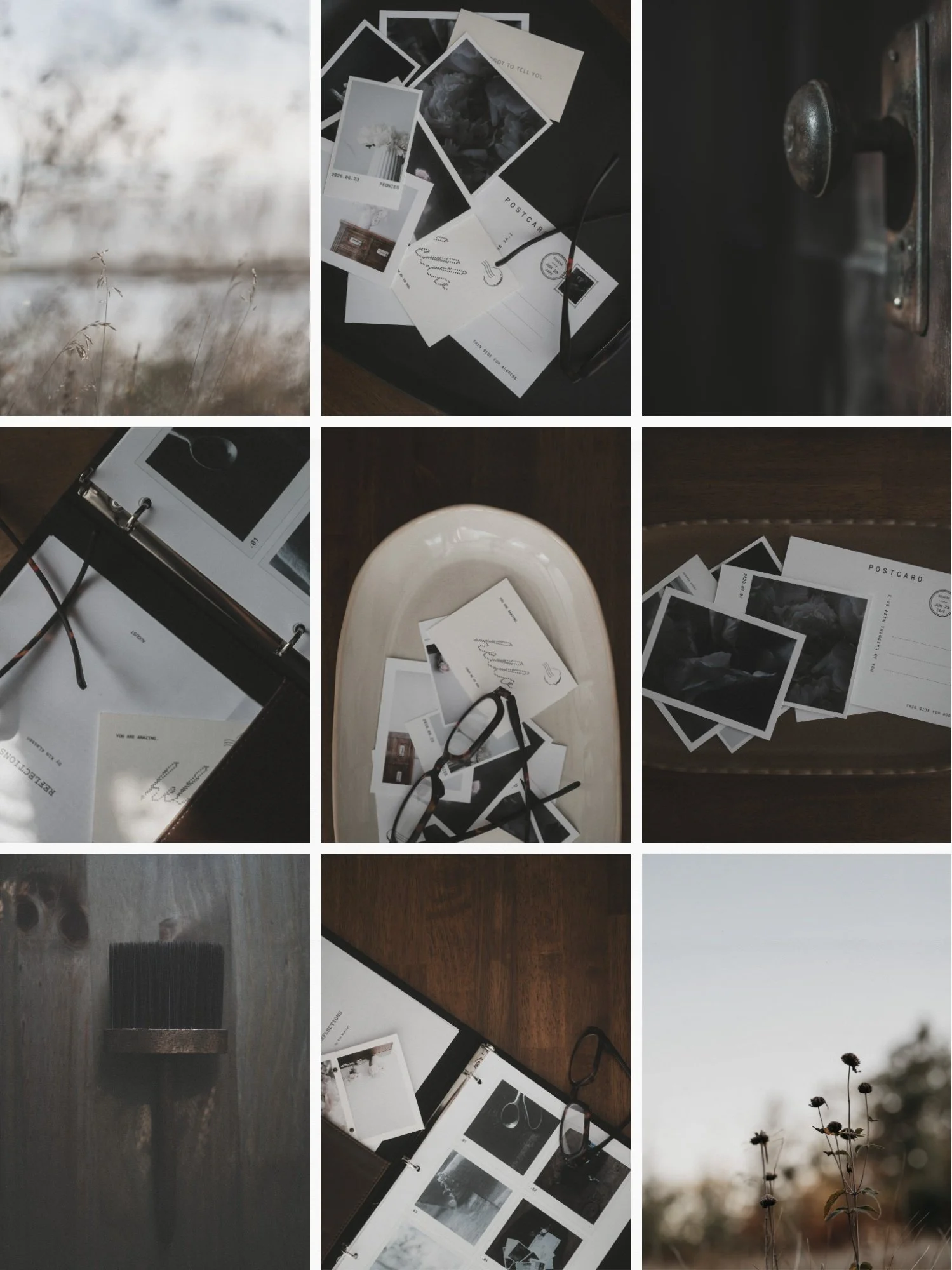
A framed series. A proof sheet. A postcard. A calendar. A zine. Something to share.
White Space makes this so enjoyable to do.
It's been quiet around here because I've been heads down building something new. Frame is a photo layout tool made for creatives who want design to feel calm and intuitive, not technical. Film frames, calendars, layouts you shape cell by cell, paper textures with one click. Here are 5 of my favorite features, and a look at why I built it.
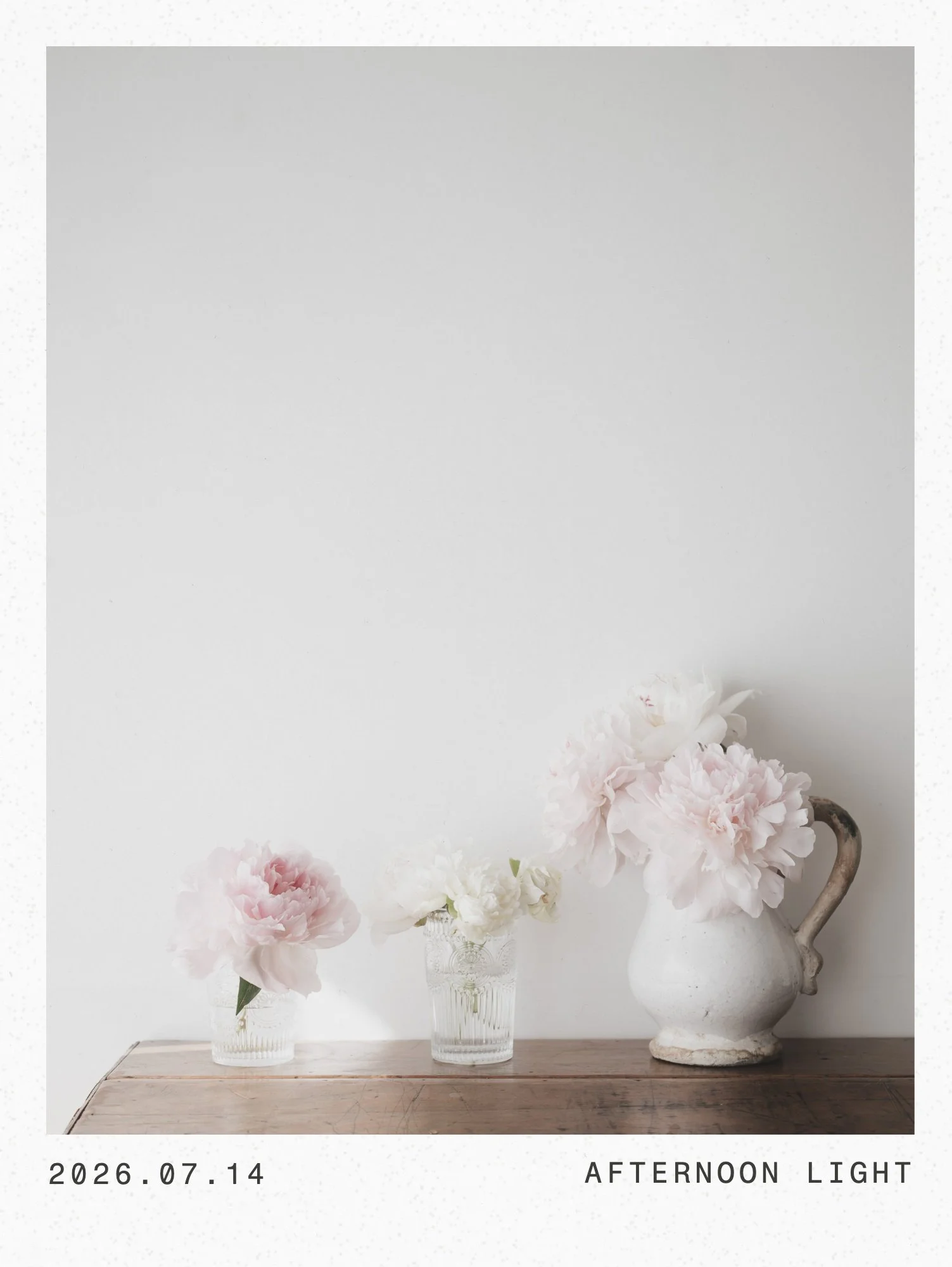
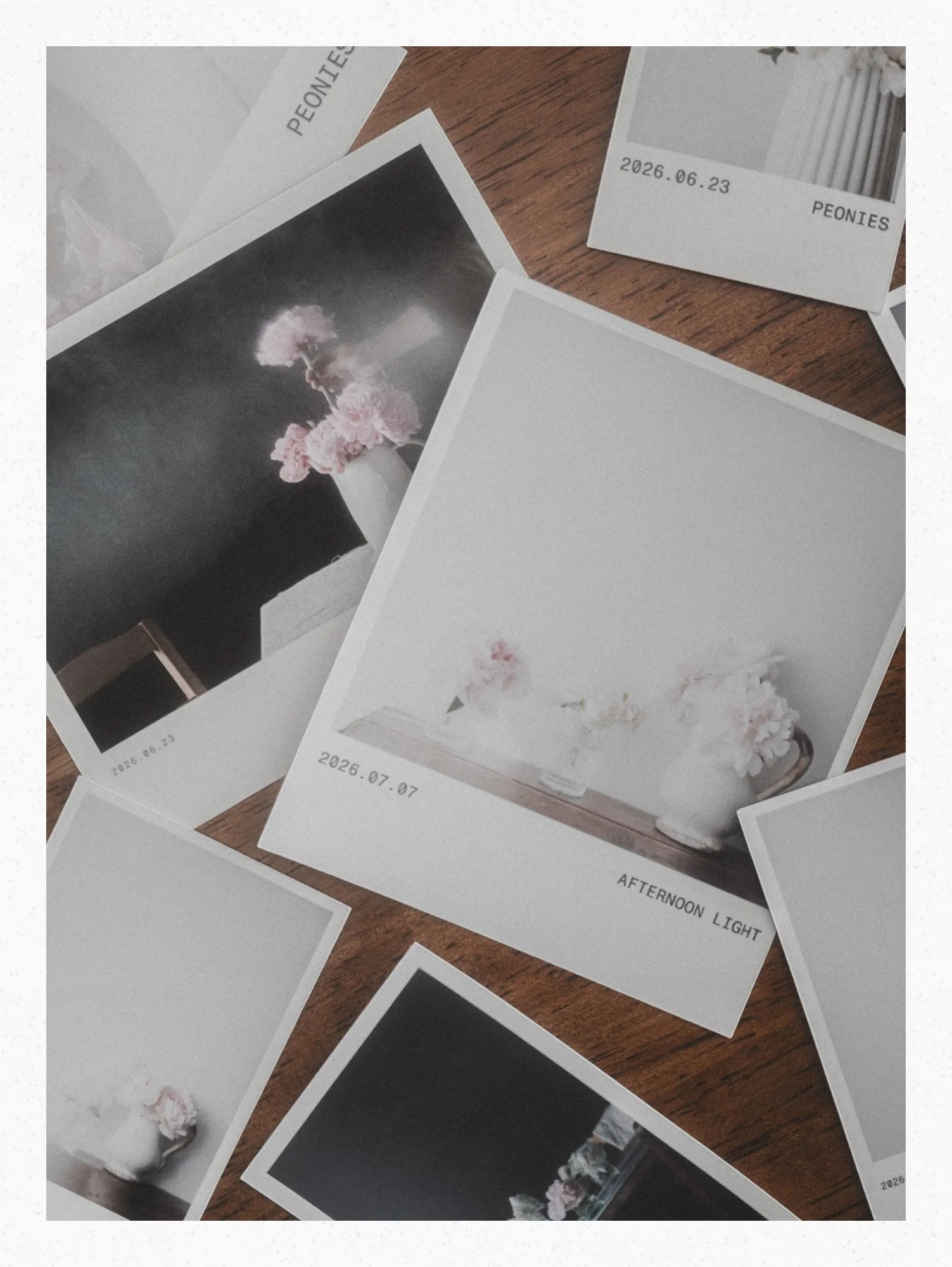
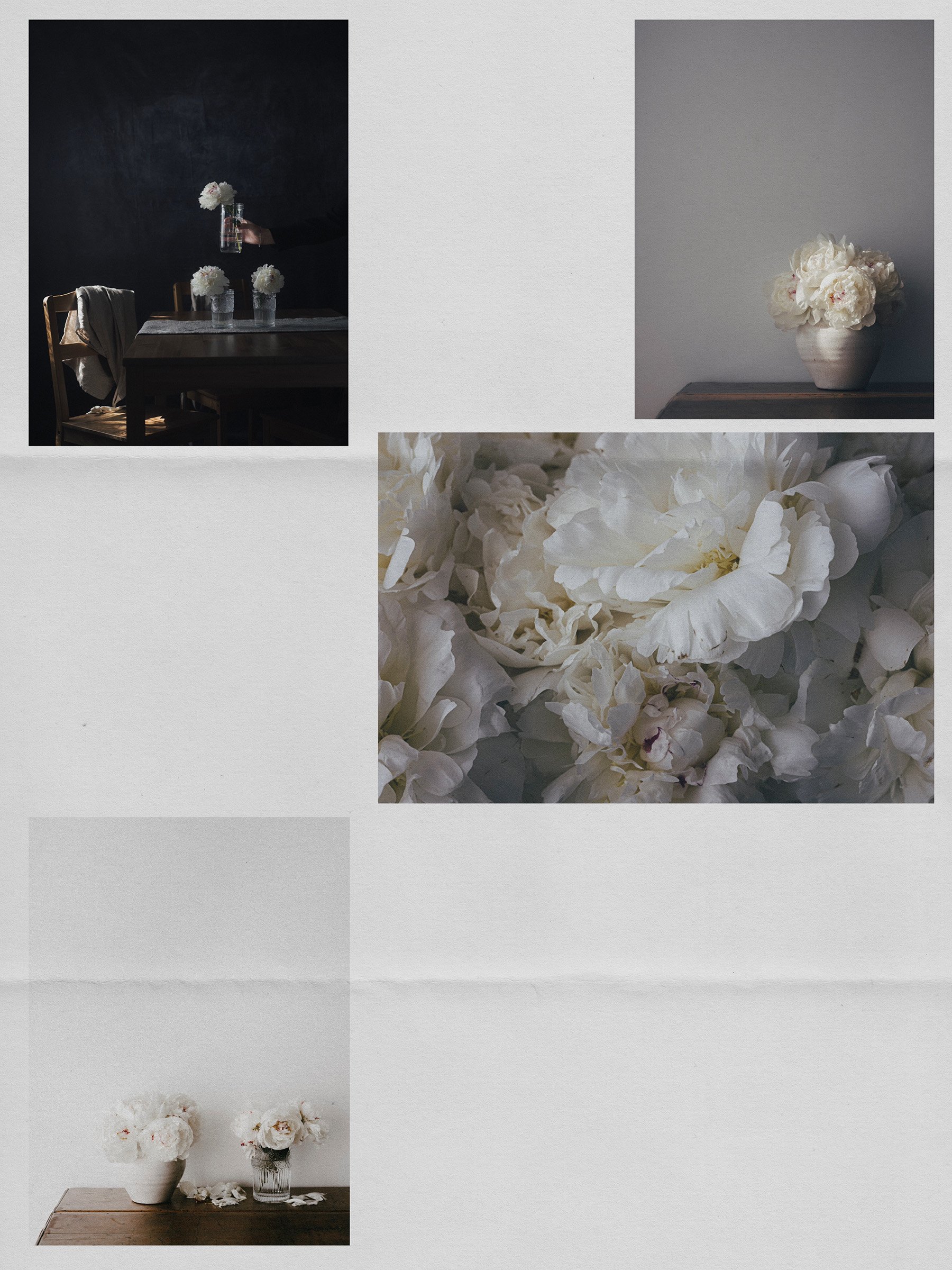
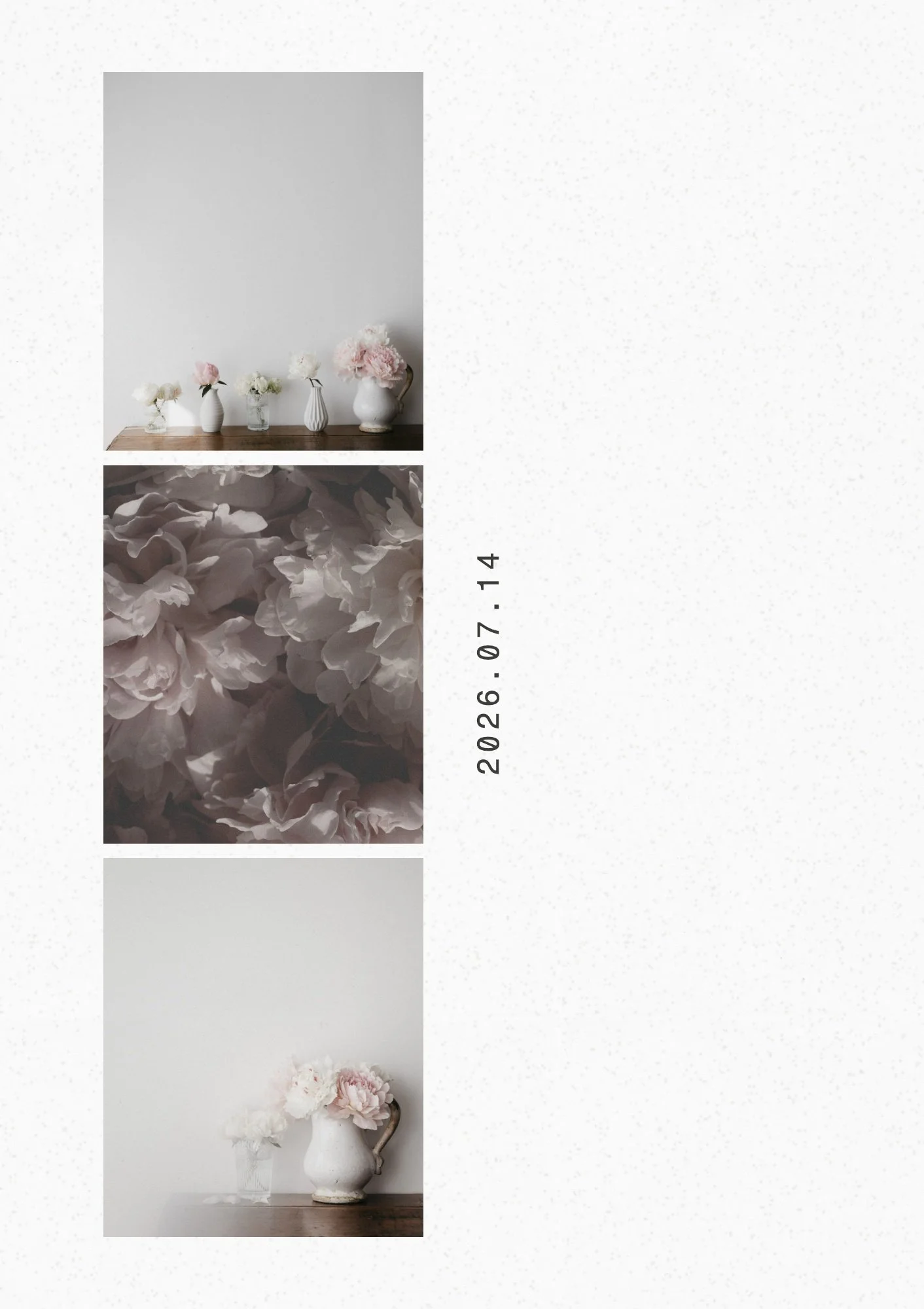
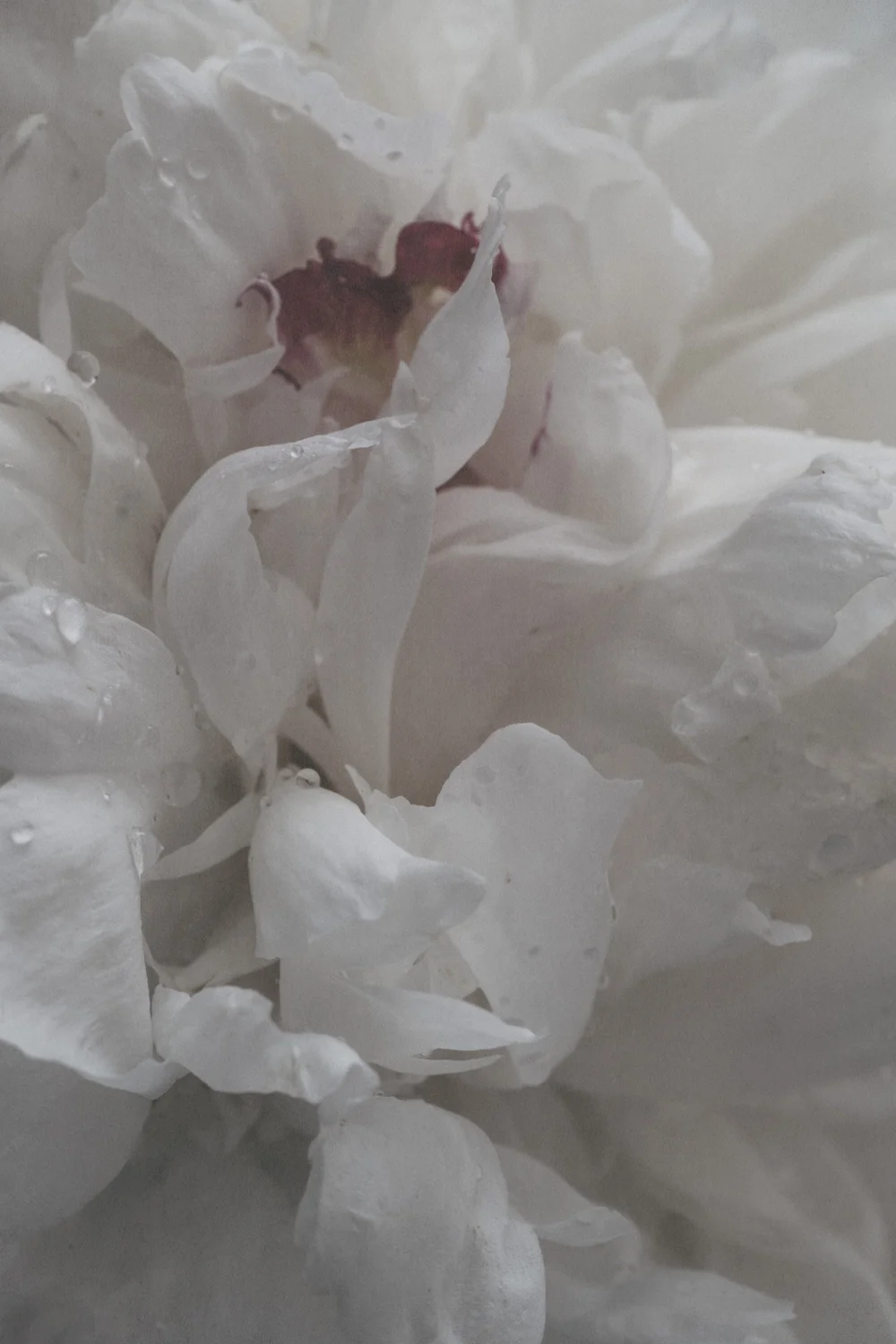
Meet Proof, the newest White Space Studio tool for laying out photos to print. Today I turn a page of peony photos into a Cricut print then cut file, ready to upload straight into Design Space.
Studio note .05 - White Space Letter print packages, another different kind of diptych tutorial and two of my favourite journals.
A small print project that started in the Lightroom Print module and became something I can't stop making. Step-by-step video included
For eight months, I called it a 'creative rut.' Eighteen years ago. I couldn't pick up a brush, couldn't make myself want to. Then one day I picked up a camera, went on a walk, and something clicked. Here's what I learned about the difference between blocked and empty. And why the path back is rarely more effort.
I'm not sure what it is, but the camera knows real wood. So when I needed a bench for filming overhead tutorials, I went down the workbench rabbit hole and landed on butcher block. The story is a bit on the longish side, but it's a good one. Puffy eye and all.
The April 2026 Lightroom update added a direct path from your catalog to Firefly moodboards. No exporting your images. No extra steps. Just a simple, visual way to moodboard all your beautiful magic. ♡
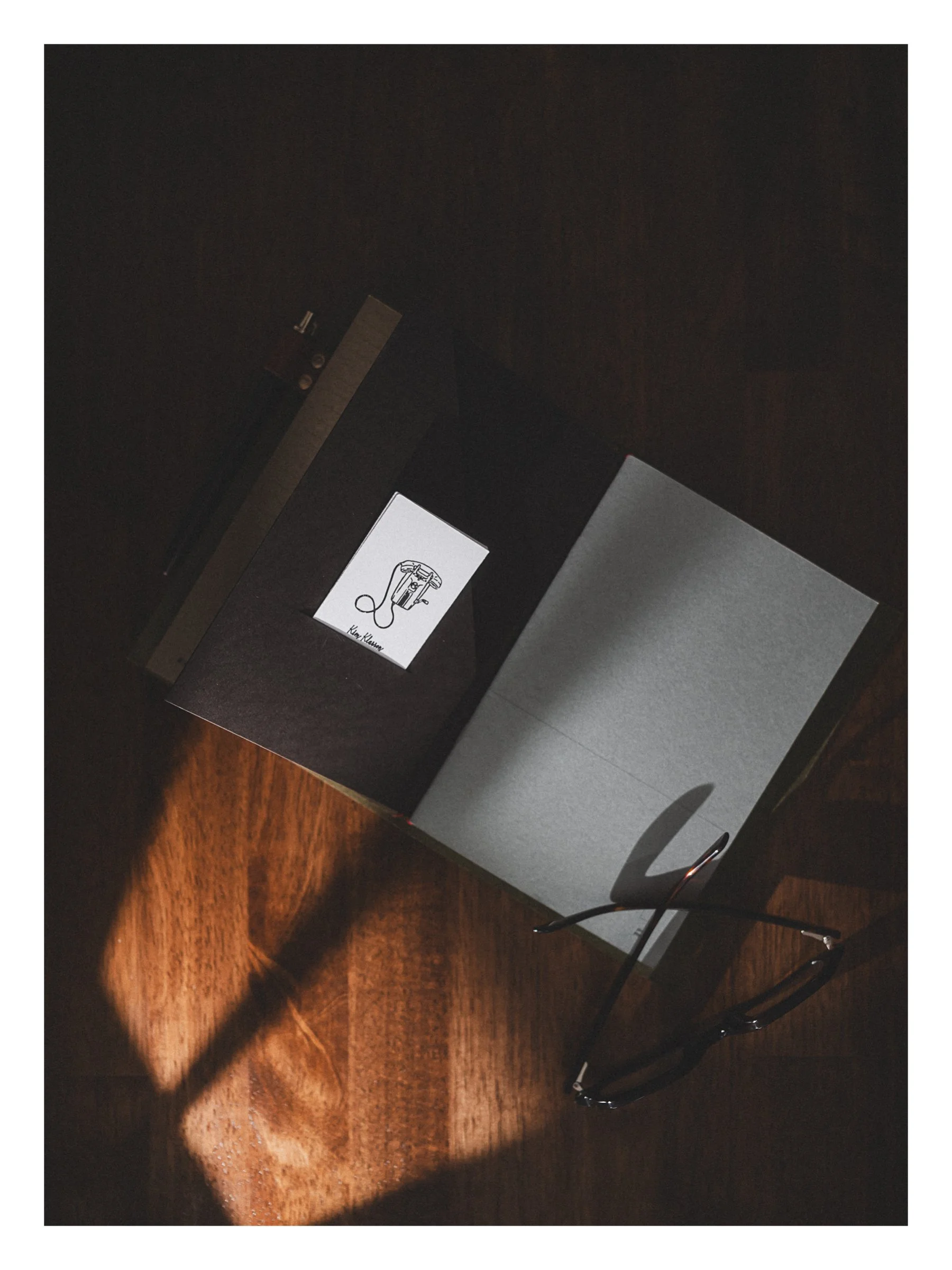
What if instead of swapping phones, you handed someone a calling card instead. Simple. Handmade-feeling. Yours. This tutorial shows you exactly how I made mine, from AI line drawing to Cricut-cut calling card.
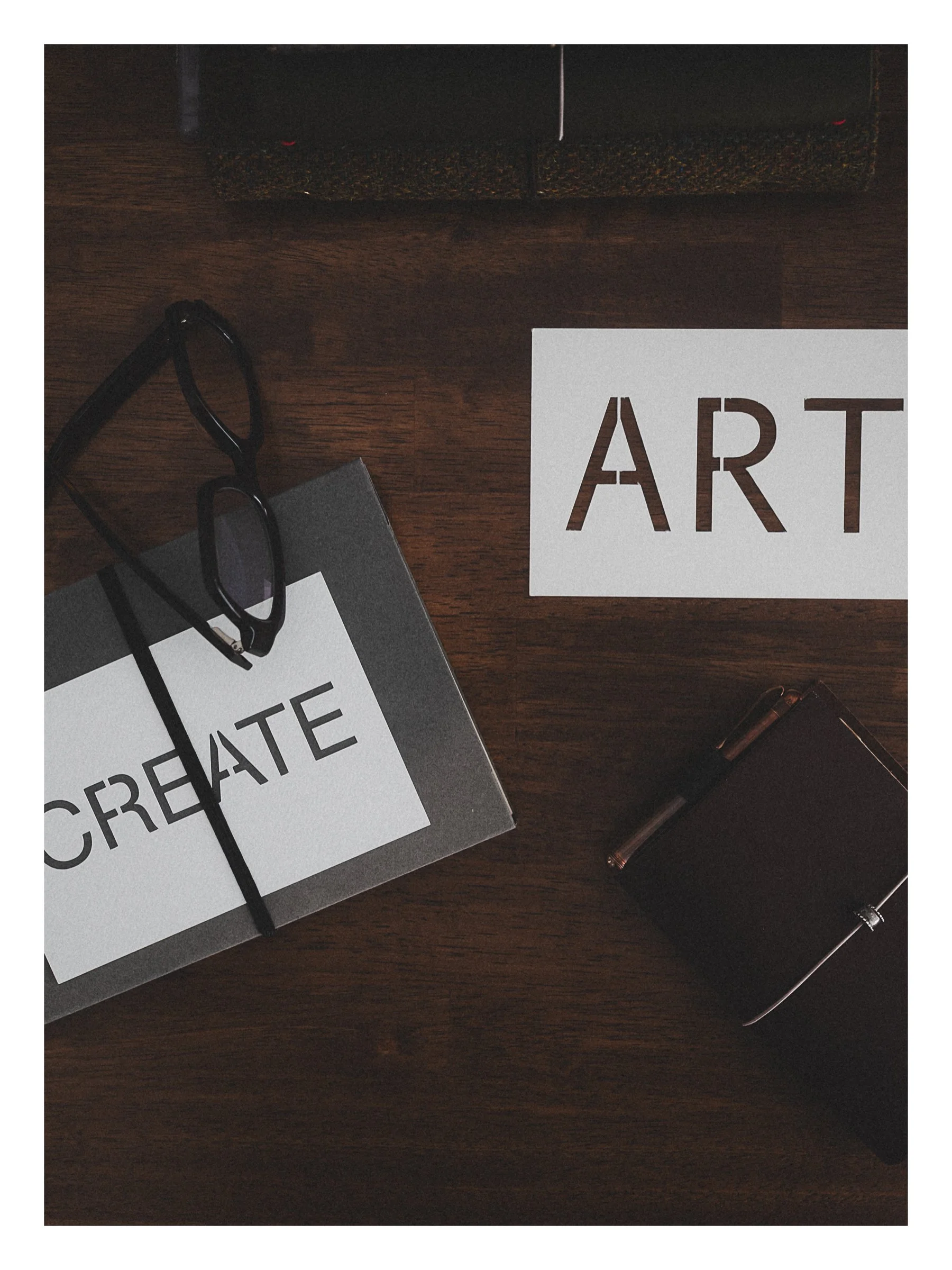
A step-by-step Cricut tutorial for making stencil word cards (perfect for photo styling) in a clean, minimalist style, including the simple bridging fix that keeps letters like A and R from falling apart.
A faux suede letter pouch cut with my Cricut. Three done… a few more to go. Come make one with me. (Step-by-Step Tutorial)
I told a friend I despise the thumbs up emoji. She said, 'me too.' So I went down a rabbit hole. Turns out this tiny yellow hand started a genuine cultural conversation, and somehow I'm on the wrong side of my own argument.
I'm deep in the journal-tok rabbit hole and I have zero regrets. This week's Studio Notes is a little bit of everything ⋯ favourite stamps, two staplers I genuinely love, elevated scrap paper, and two tutorials I think you'll want to bookmark.
This week…
From my desk… my story of falling in love with Japanese stationery and my current favourite journal as well.
This week…
Being a ‘generalist’, my journal ecosystem, a lovely new fountain pen, Photoshop share tip, Lr import preset with copyright and your brand keywords, reimagining your photos and building a Flodesk workflow.
Behind the scenes of running a creative business that values analog as much as digital. This week: goal punch cards, Flodesk tips, Squarespace tips and the loveliest paper things.
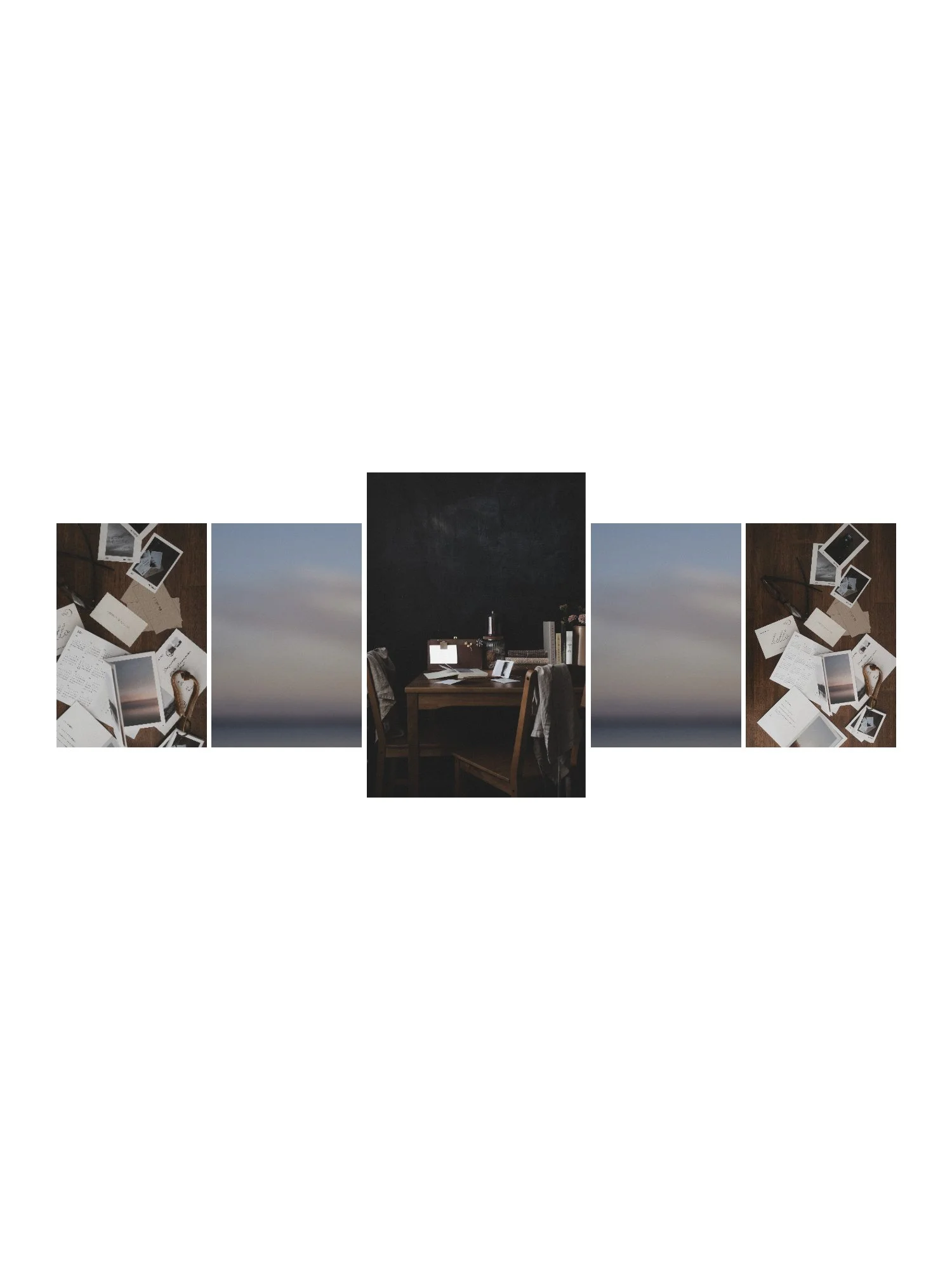
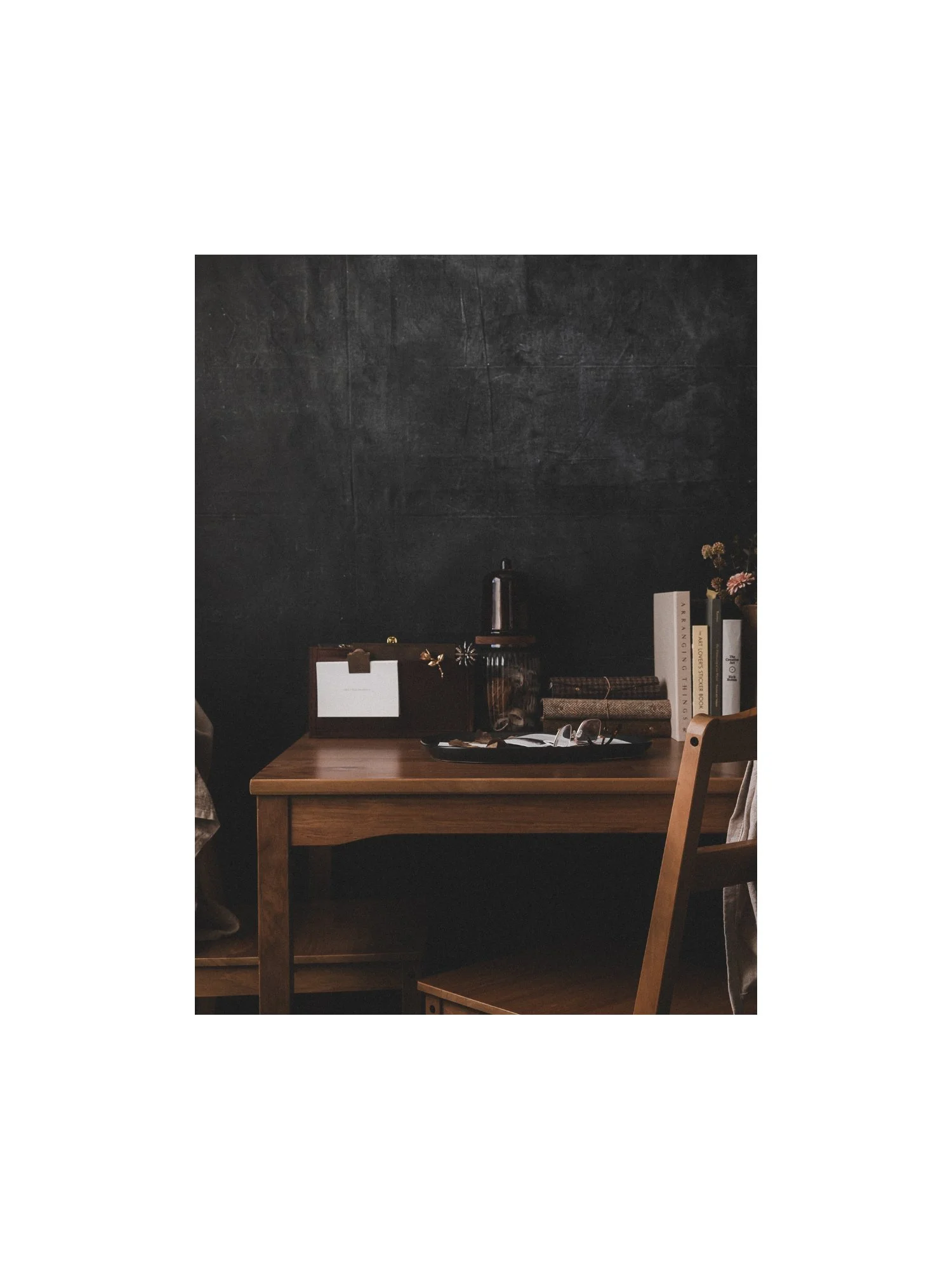
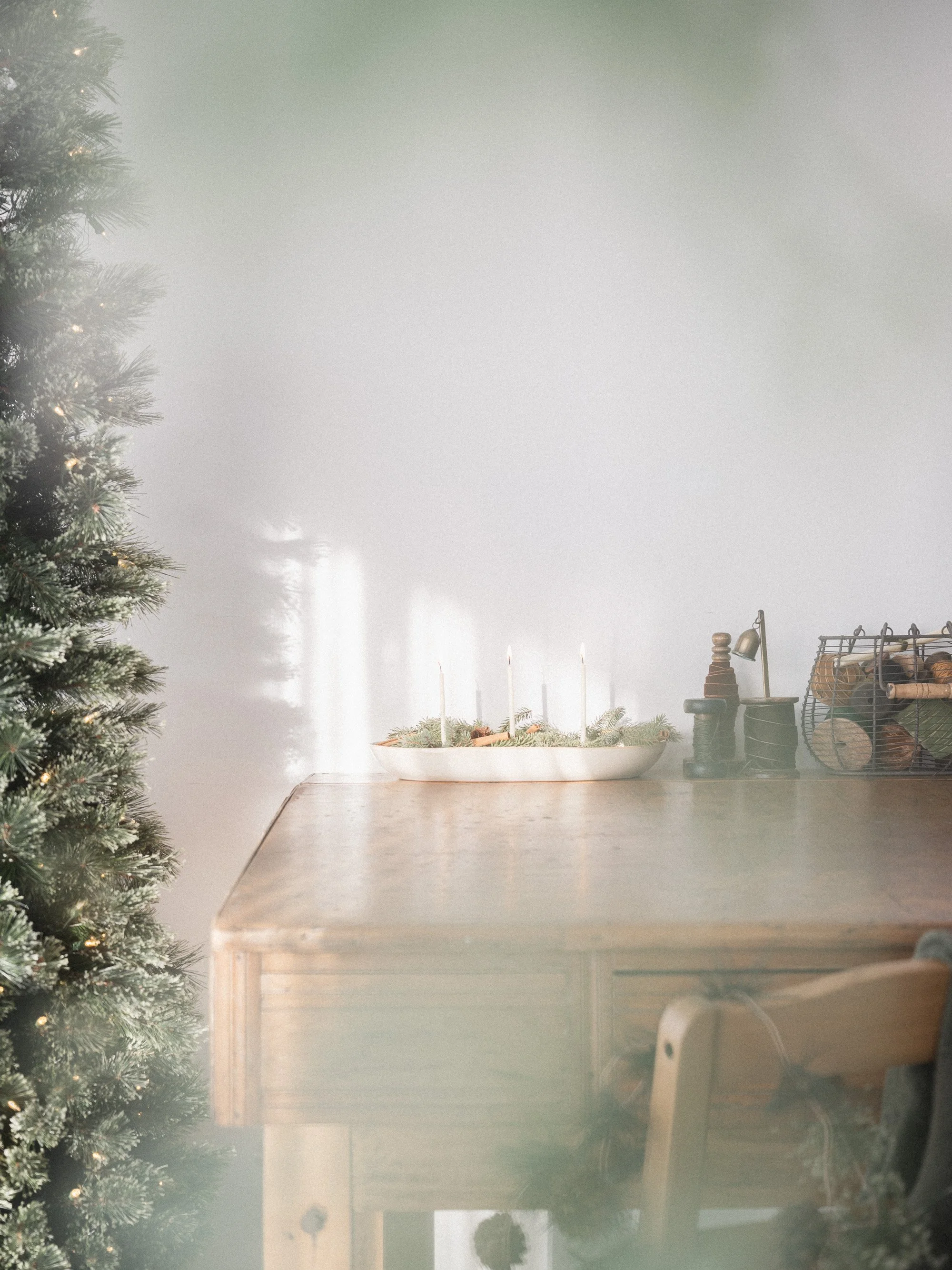
Every detail in this image is intentional. The light, the smoke, the way the fabric drapes on the chairs. Small choices that create the feeling you see here. In this new series, I'm breaking down those choices ⋯ one image at a time.
My Week in Photos - Week Three
Festive Analog
My Week in Photos - In Threes
Holiday Edition
If this can happen to me, it can happen to you. The simple diffusion filter that adds warmth and quietly saves lenses
My Week in Photos - In the Details.
Analog Edition
A collection of stunning display fonts to elevate your designs from Adobe Fonts. Along with a video tutorial on managing Adobe fonts on your computer.
I spent the week with Lightroom’s new Point Color in Classic 15 and desktop v9. It’s the update I’ll use on repeat. Here’s how.
How to design simple rounded corners photos inside Lightroom Classic, Lightroom Desktop or Mobile.
Plus my printing steps and go-to supplies for the perfect rounded corner https://kimklassen.myflodesk.com/print.
Learn how to create simple photo layouts and add white borders in Adobe Lightroom and Lightroom Mobile. This step-by-step tutorial shows two easy methods to add clean white space to your images.
Stop overlooking one of Lightroom's most creative features. Learn how to use the Print Module to quickly create stunning digital layouts for social media, discover creative crops, and save time with templates.
Discover how your camera’s picture control impacts your video’s look and editing flexibility…especially when shooting standard video, not log. Learn which profiles work best for creative color grading or for footage ready to use straight out of camera.
Those ultra-wide, skinny Instagram posts are everywhere right now. In this tutorial, I’ll show you how to set up a 5120 × 1080 timeline in DaVinci Resolve, export correctly, and post to Instagram so your video appears in the trending panoramic style.
Goodbye, cluttered desktop. See how I use Unclutter to swap the ‘just drop it here’ habit for a fast, tidy workflow.
A full custom site for Jamie Jamison—photographer, speaker, coach, storyteller. This one was personal… and I’m so proud of how it turned out. Motion-built pages, soft vellum textures, an elegant blog, and a print shop (!). Let’s have a scroll through.
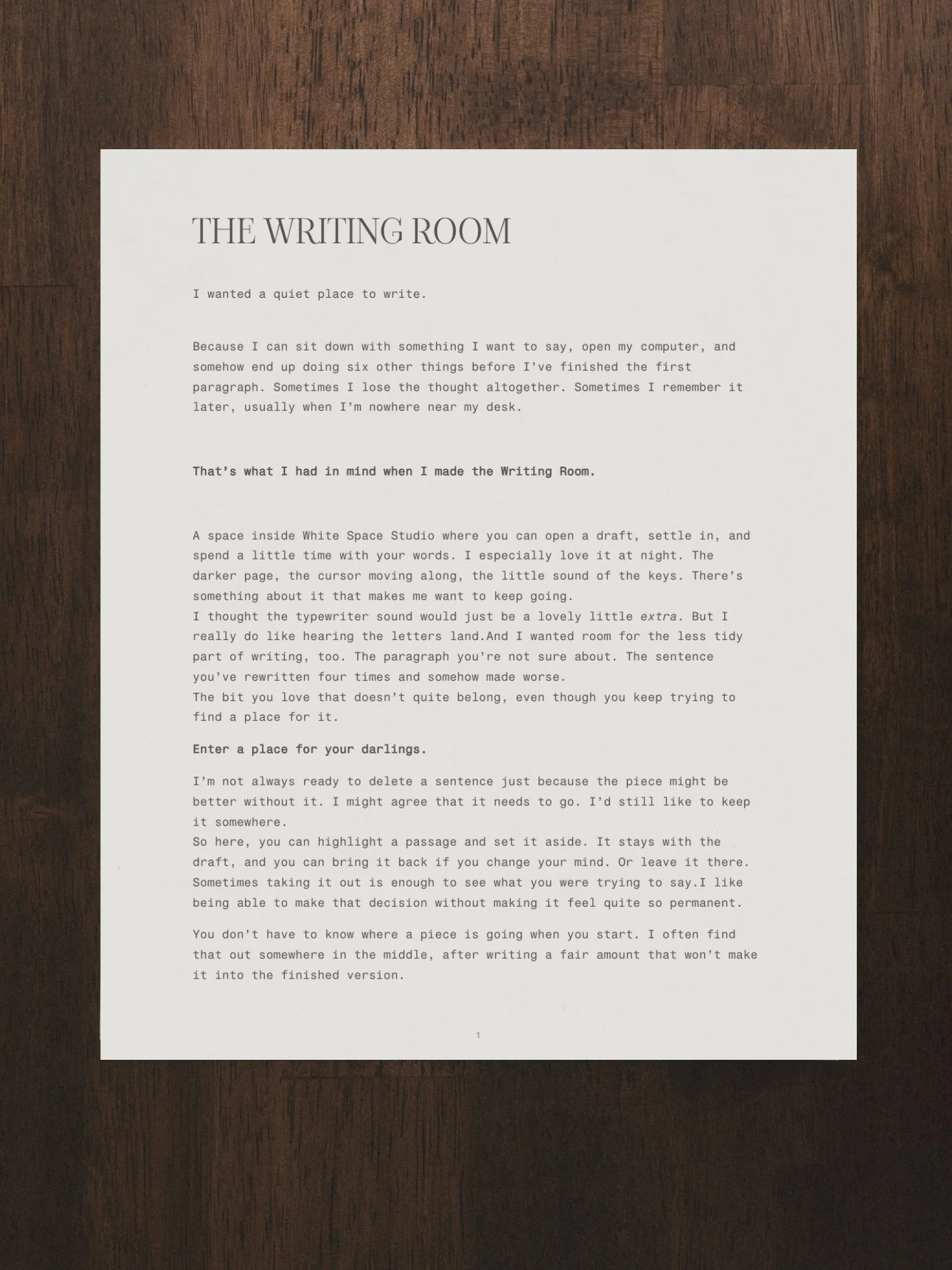
White Space.
(n.) a state of stillness, calm, and quiet in both mind and surroundings—tranquility.
White Space.
(n.) a state of stillness, calm, and quiet in both mind and surroundings—tranquility.
PRESET MAGIC
-
STUDIO COLLECTION
pure magic for floral photography.

-
DEAR 2024 COLLECTION
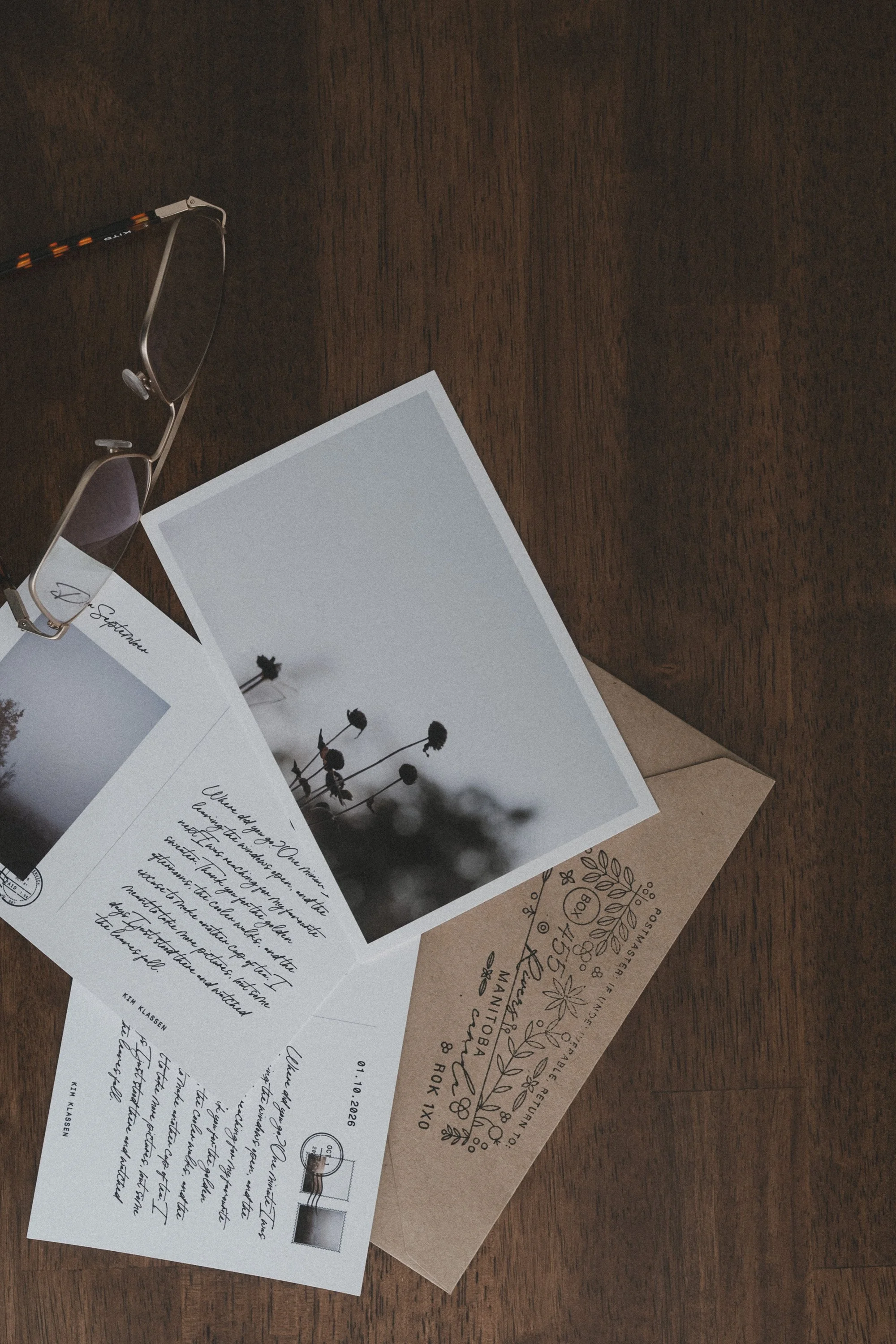
Dear September is one of my go-to presets from this collection.

-
HYGGE COLLECTION
add a touch of drama with Candles from this collection.

The Preset Shop
A bit like magic presets designed for lifestyle, brand photography, floral photography, nature and more.

TRY MY LIGHTROOM PRESET SAMPLER SET’
Take a moment to breathe. Let the stillness remind you that small, steady steps are enough. TRUST the process, lean into the simplicity, and know that beauty unfolds when you keep showing up.
Today holds quiet possibilities—embrace them with ease.
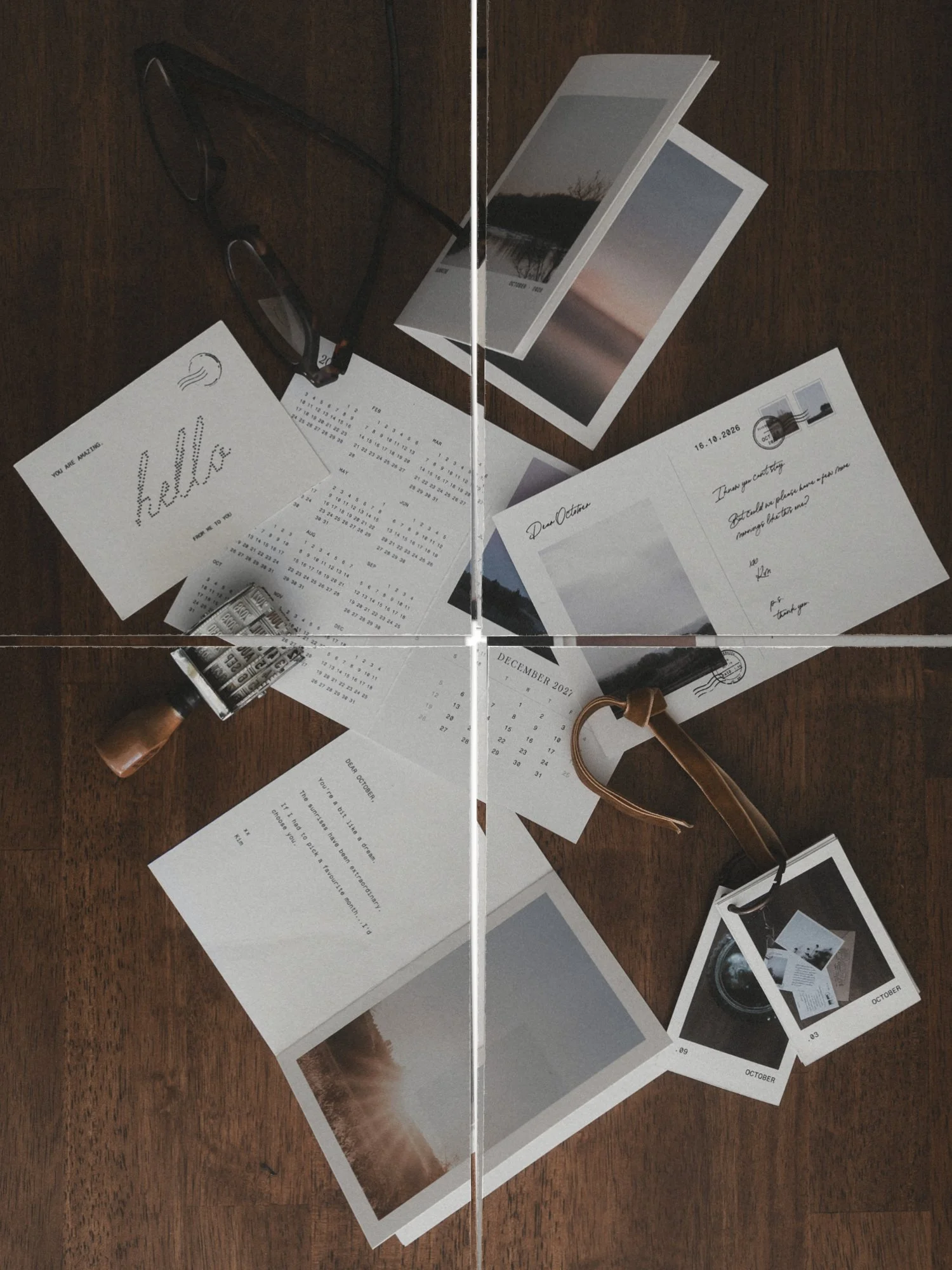
Design a seamless carousel from your own photos, check every swipe, split it for Instagram, then print it so it lives on instead of fading away in your feed. Video Tutorials included